BRIEF
I shipped a paragraph-to-subhead conversion feature in CNN’s internal CMS, making the subhead creation process 3x faster and increasing editorial efficiency in breaking news publishing.
SCOPE
UI/UX
CMS Platforms
Foundations
DURATION
3 months
TEAM
Spriggs (Design)
Christine Tran (PM)
Kevin Chin (Engineer)
IMPACT
Saved 15 hrs/yr ≈ 2 work days; formatting time -162%, numbers of clicks -75%
OVERVIEW
Summer 2025, I joined CNN's Platforms team to design for Stellar, the content management platform (CMS) where editorial teams draft and edit articles under tight deadlines. My goal was to improve editorial efficiency so news could get out as quickly as possible.
During user interviews, I realized CNN editors were manually formatting hundreds of subheads each week. This multi-step process created friction in their workflows and significantly slowed publishing speed.
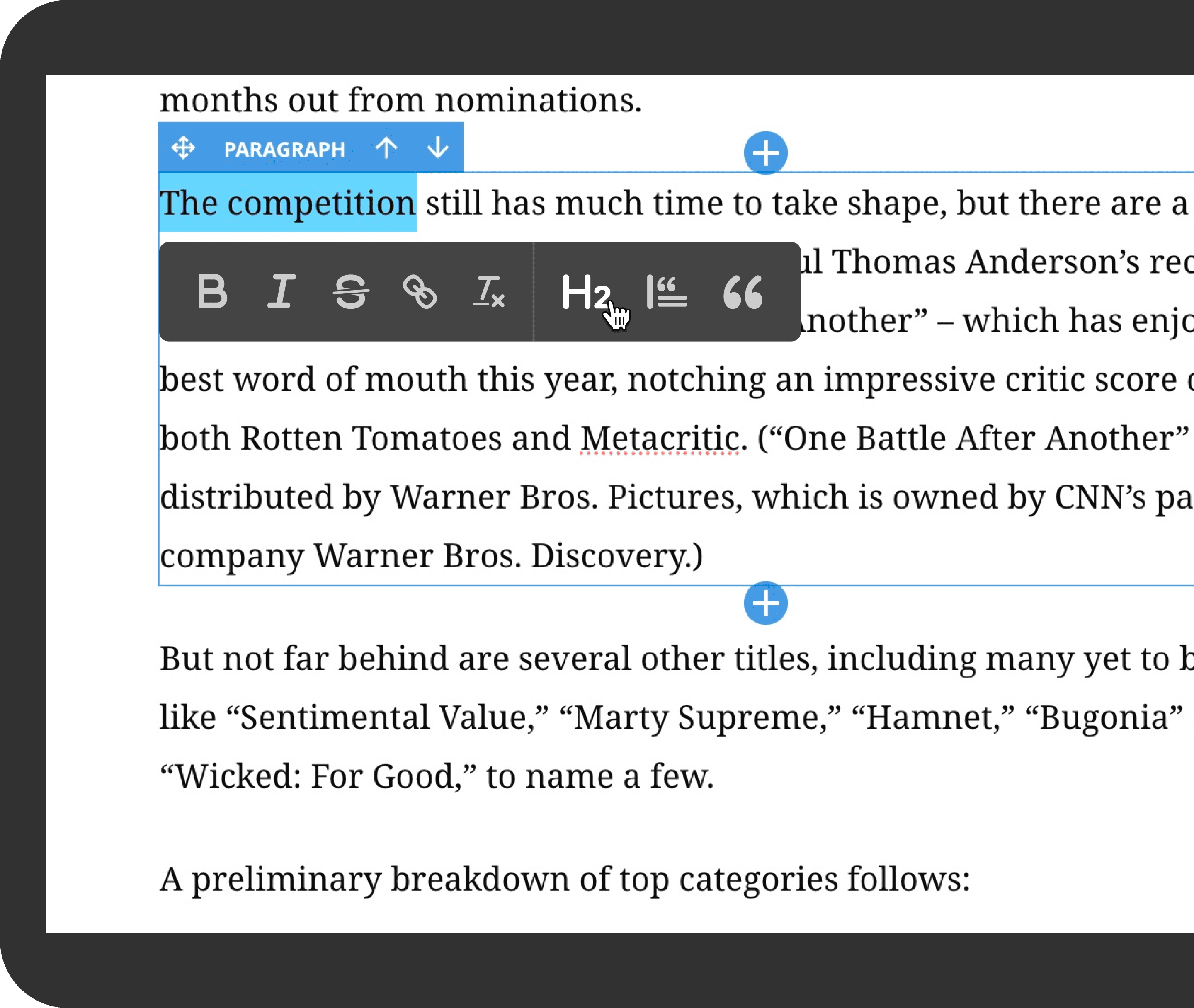
To solve this, I designed and shipped a one-click conversion feature within the bubble editor that transforms selected text into subheads instantly.
DISCOVERY
Editors frequently convert paragraphs into subheads while structuring stories. At the time, the only way to do this was to manually add a new subhead component and copy-paste the text into it.
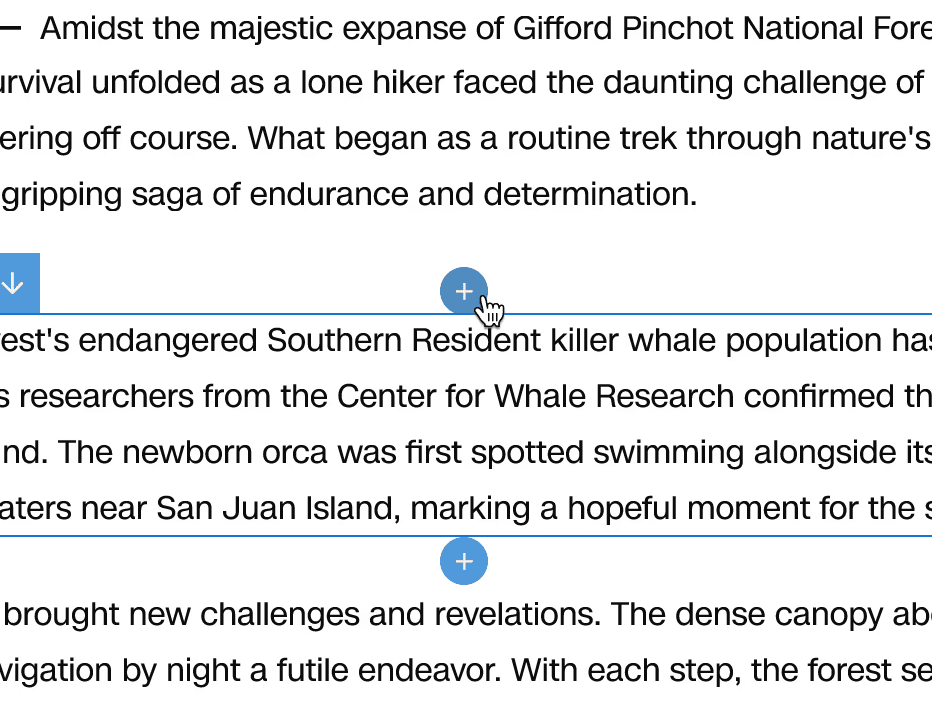
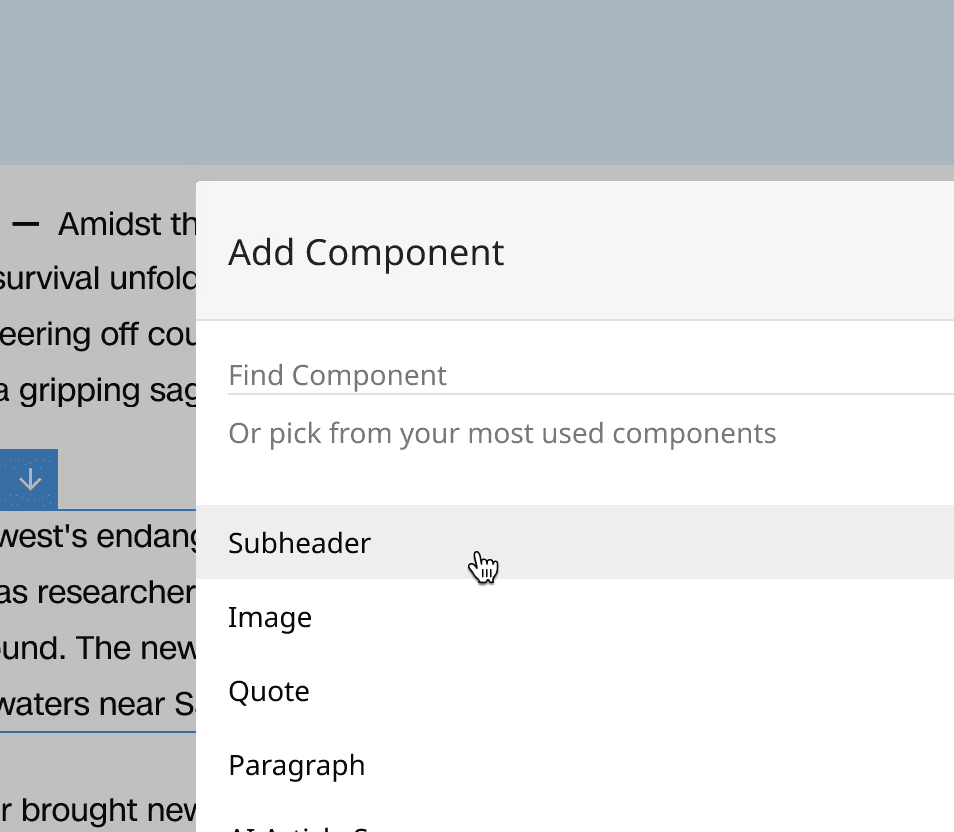
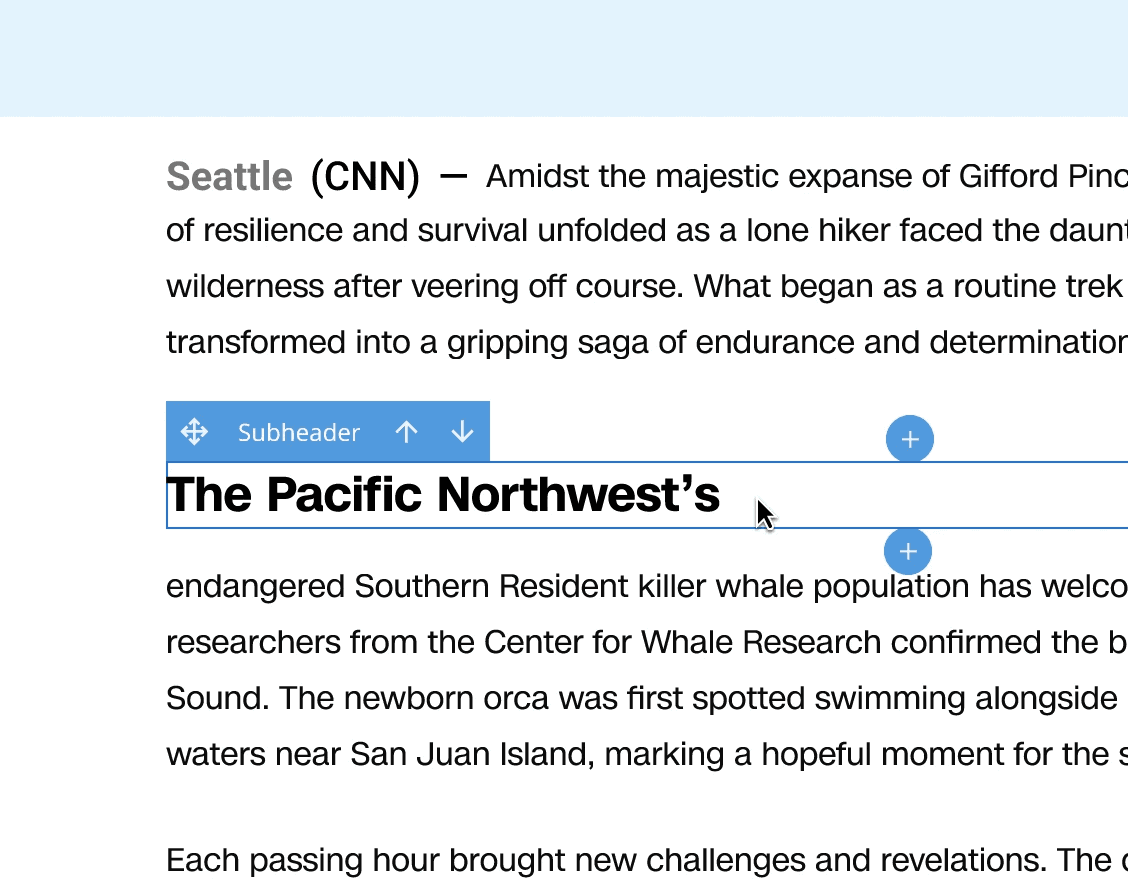
Based on feedback, this process is very inefficient and repetitive, creating unnecessary friction when editors needed to move fast, especially during breaking news.
GOALS
01
02
RESEARCH
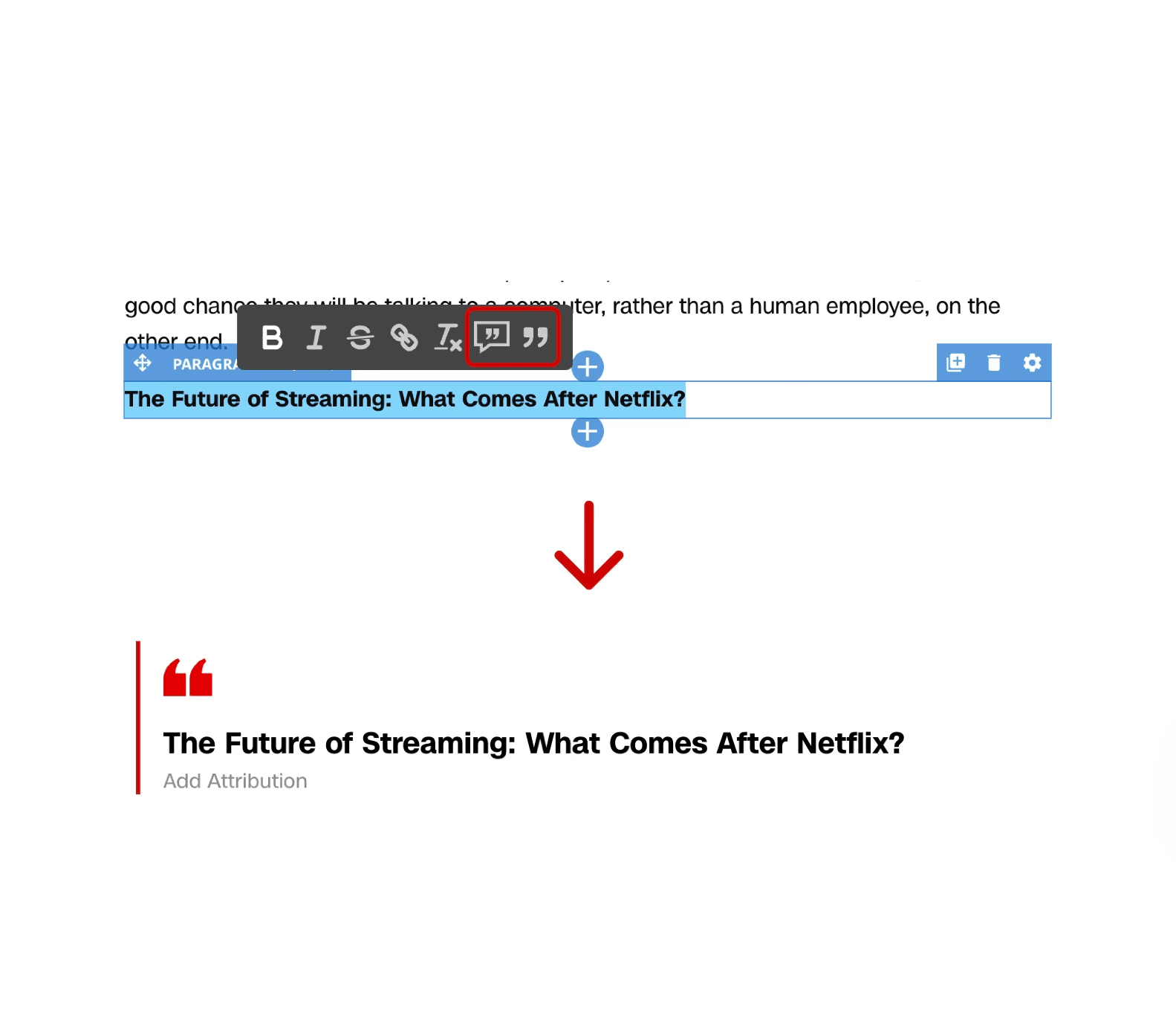
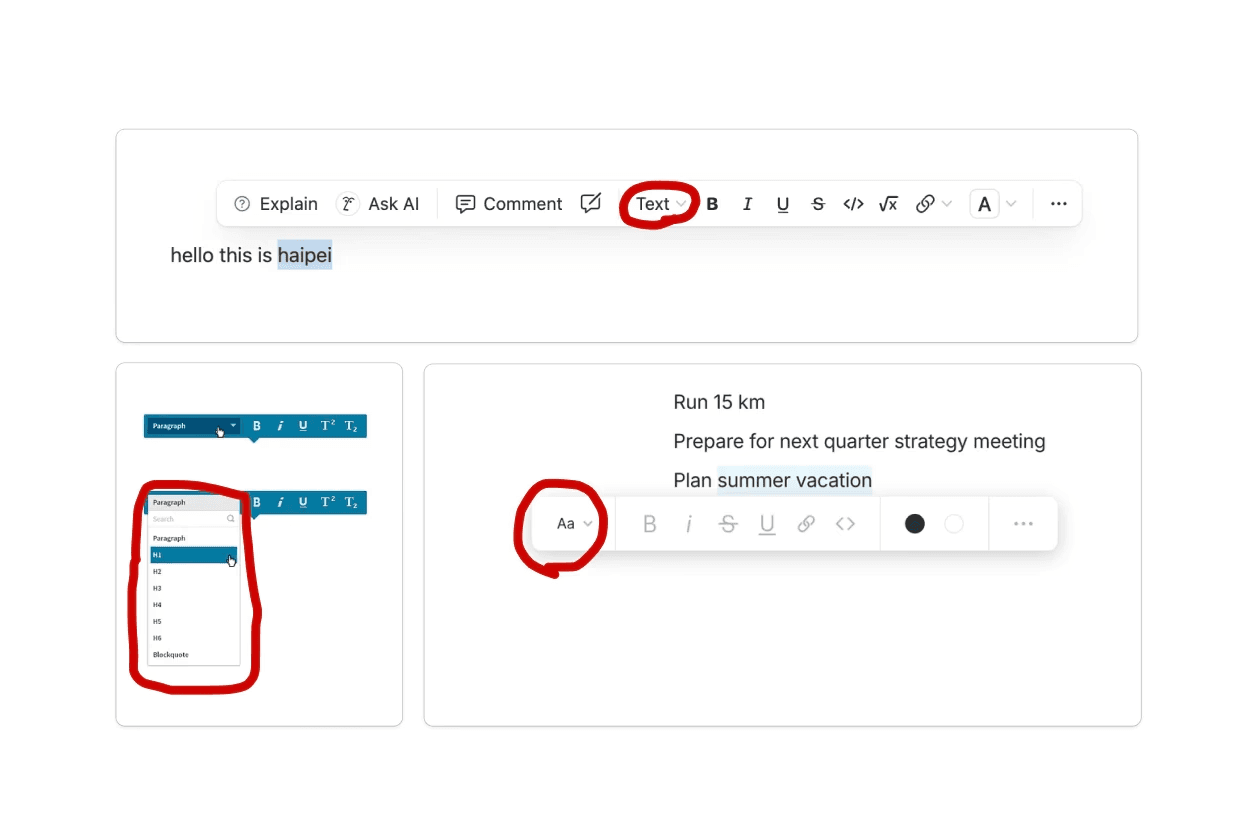
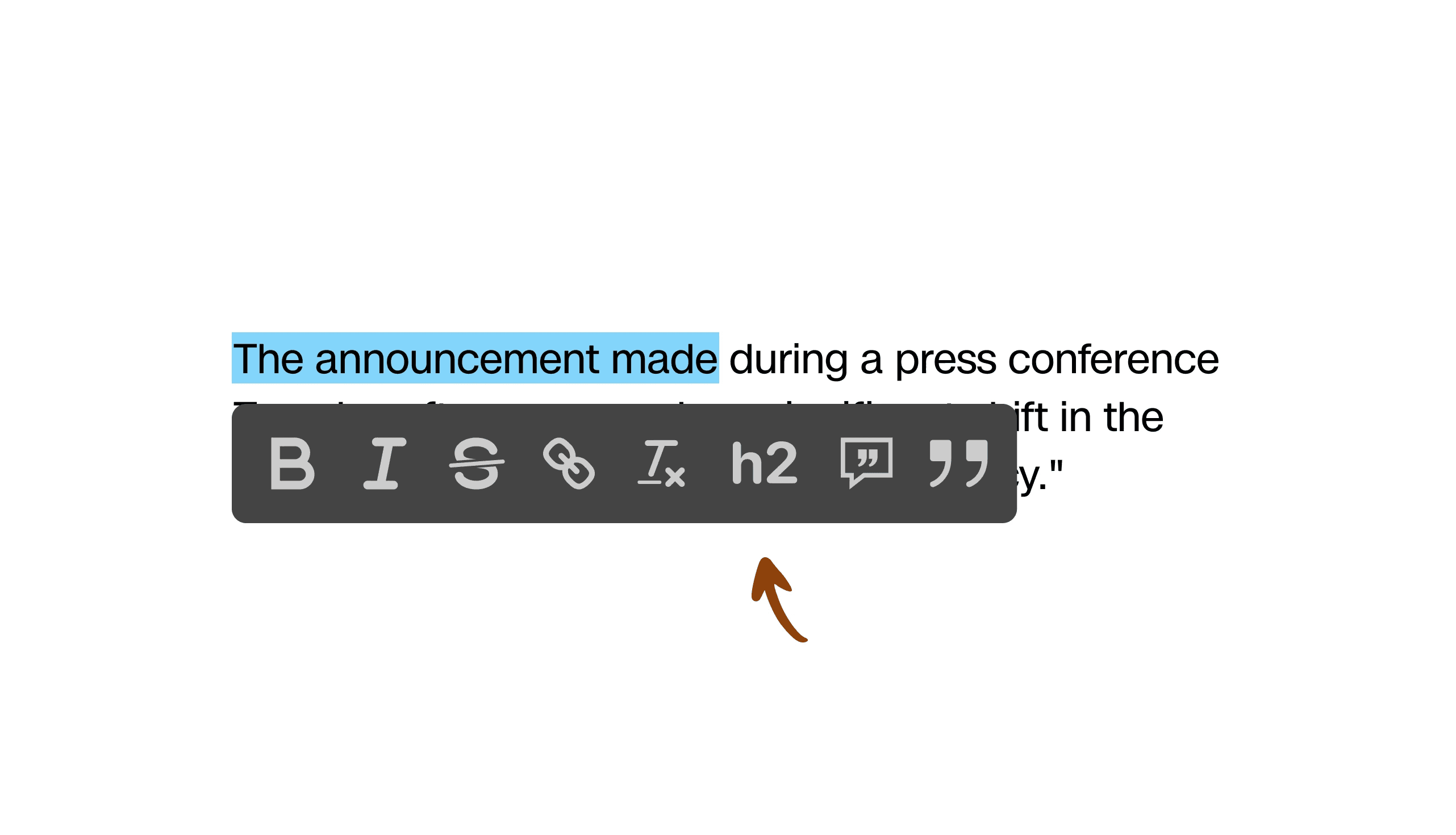
Currently, the bubble editor already supported a one-click paragraph-to-quote conversion, establishing a clear UX pattern for inline text transformations. I also did a competitive analysis on other text editors, and confirmed that text style conversions typically happen within bubble editors.
These insights suggested a clear opportunity: extending an existing UX pattern rather than inventing a new one.
EXPLORATION
I explored design directions using a Bronze–Silver–Gold framework that my manager Spriggs shared with me. This allowed me to compare solutions across scope, effort, and impact, and align early with engineering and editorial stakeholders on what was realistic to ship within my internship timeline.
Rather than optimizing for the most ambitious idea, this framework helped surface the best tradeoff between design improvements and team capacity.
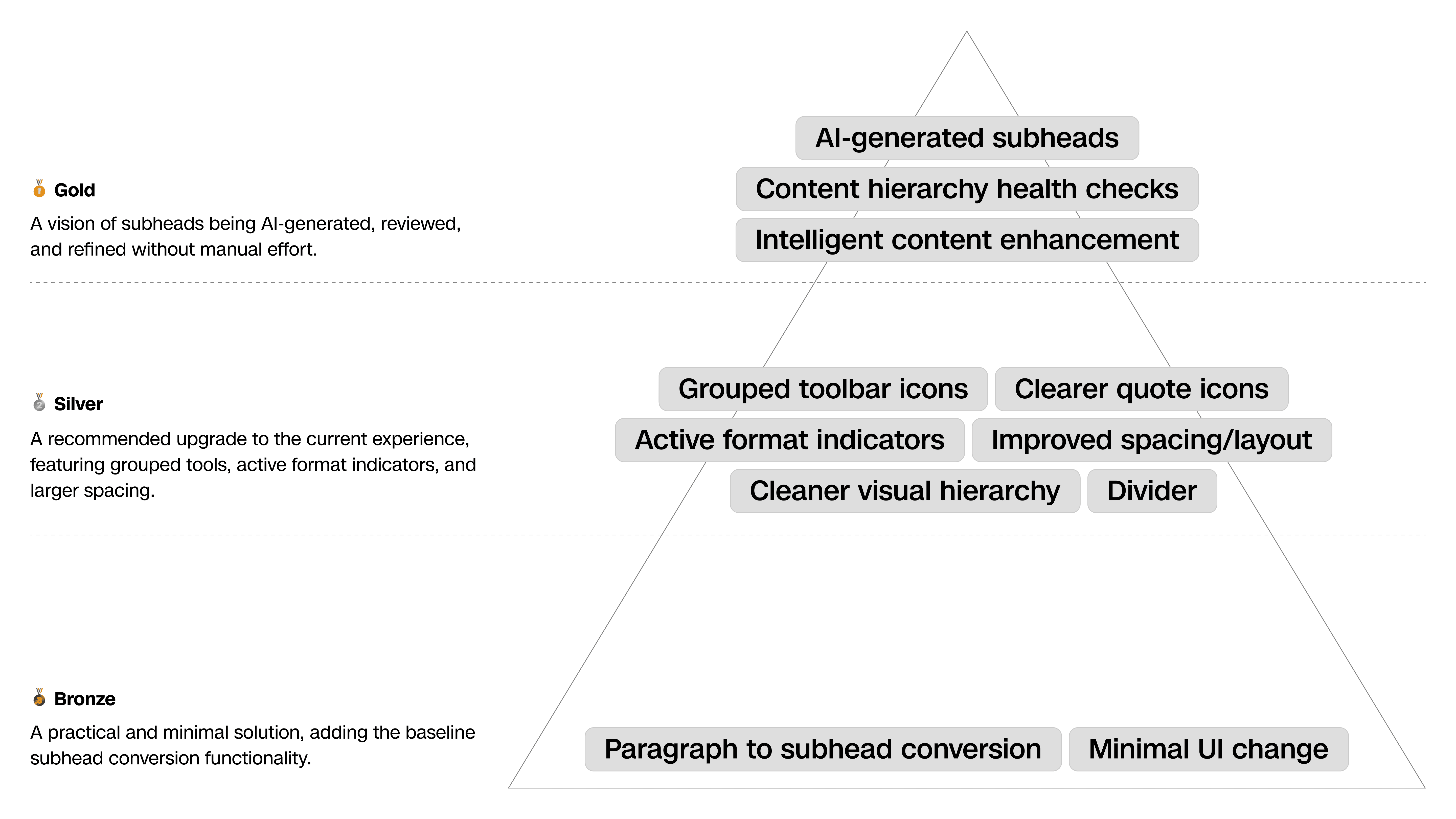
The Bronze approach focused on the fastest path to functionality: adding conversion icons that allow paragraphs to be converted into subheads and back.
While functional, this option didn’t sufficiently reduce cognitive load in high-pressure editing scenarios.
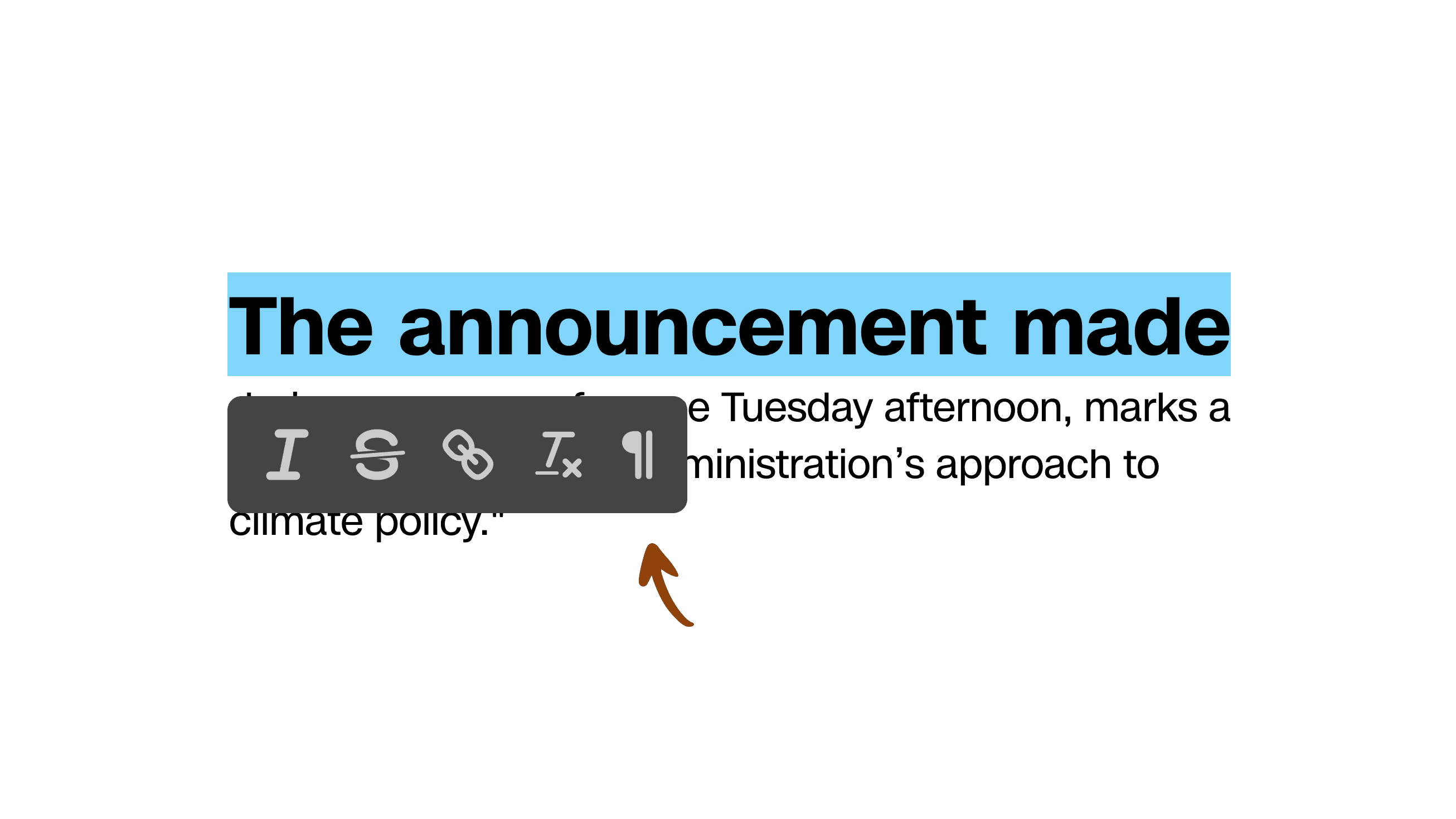
The Silver direction introduced UI enhancements, as well as a component status highlight that reflects what type of content is currently selected. This helps editors immediately understand what they’re editing and which transformations are available, without needing to guess or trial-and-error.
However, this required changing the existing UX pattern for quotes and higher engineering effort, which we didn't have at the time.
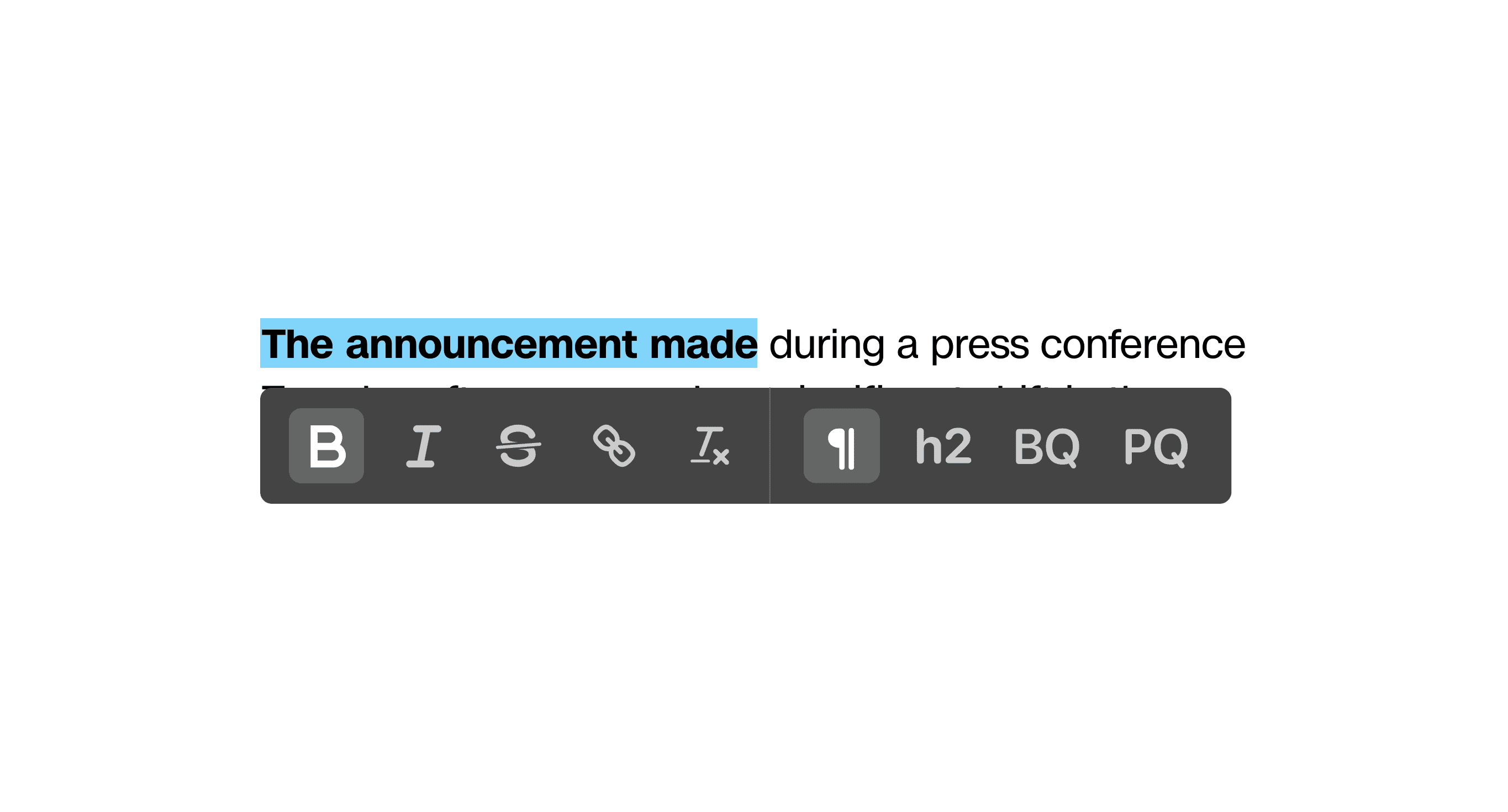
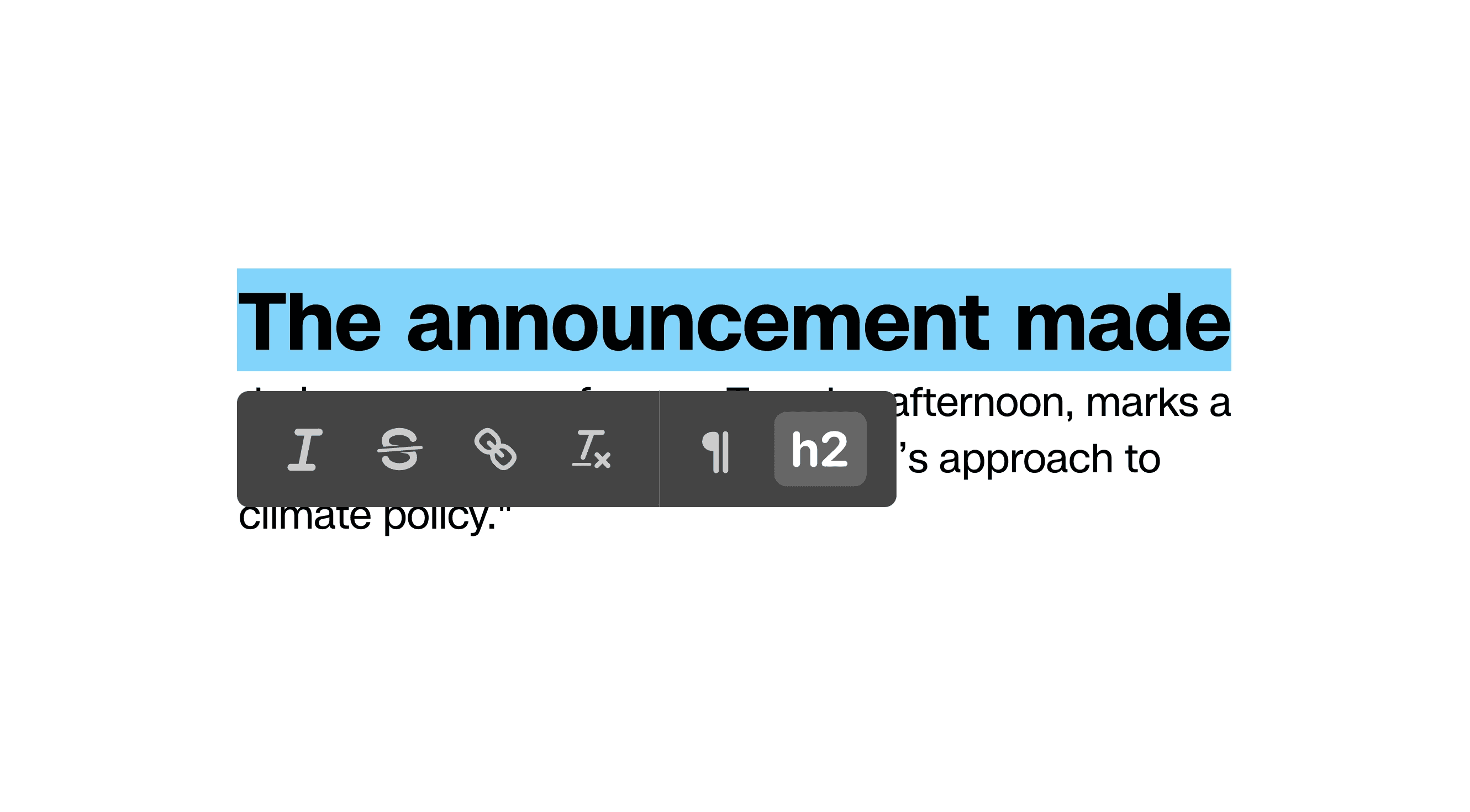
During the design review, my product manager, engineer, and I aligned on a middle ground that combined the core functionality from Bronze with the UI enhancements from Silver. This “rose gold” direction delivered usability gains while remaining within capacity.
The Gold concept involving AI integration is kept as a north star for future exploration and is currently under NDA. Please contact me for more information.
VISUAL DESIGN
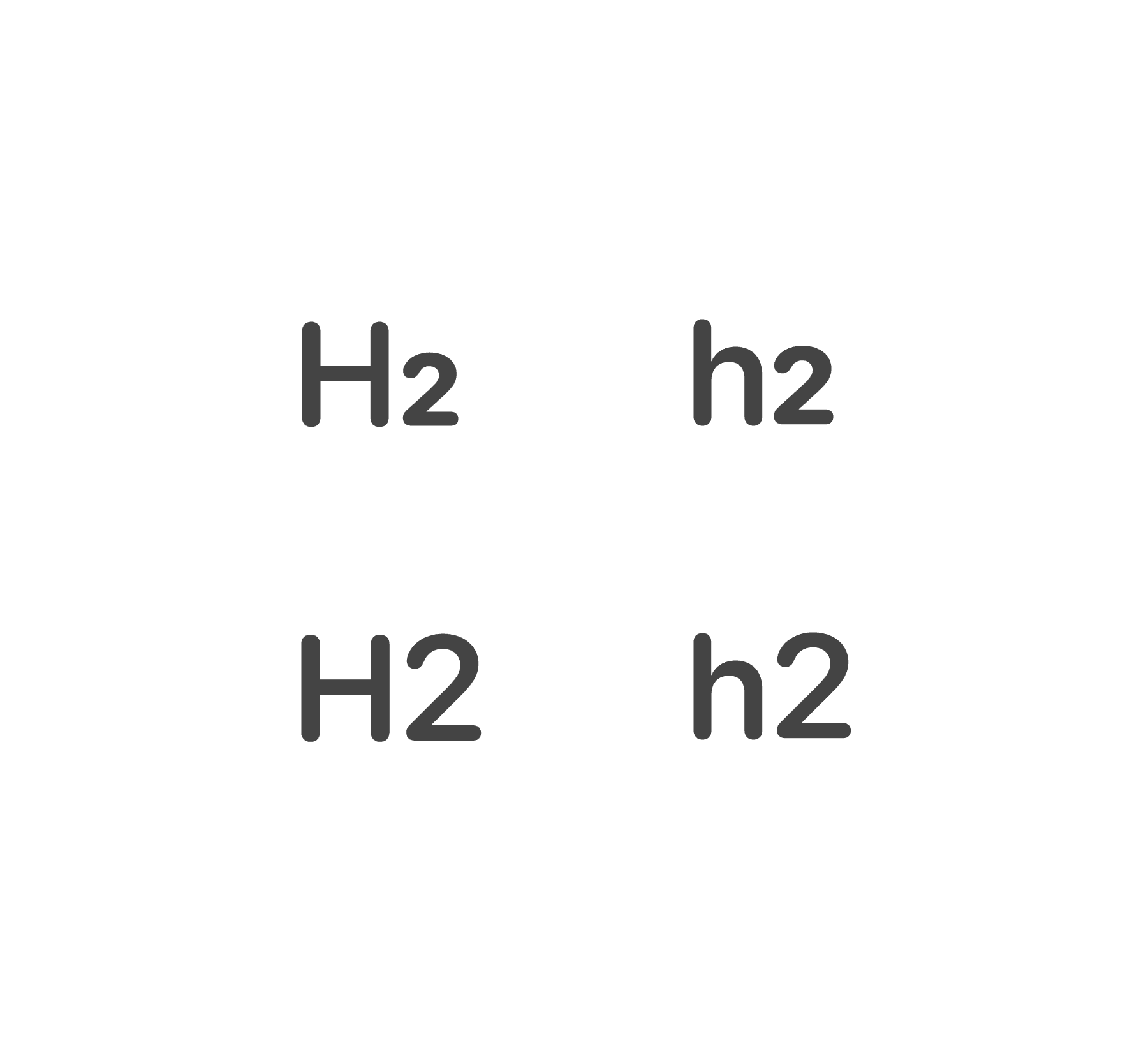
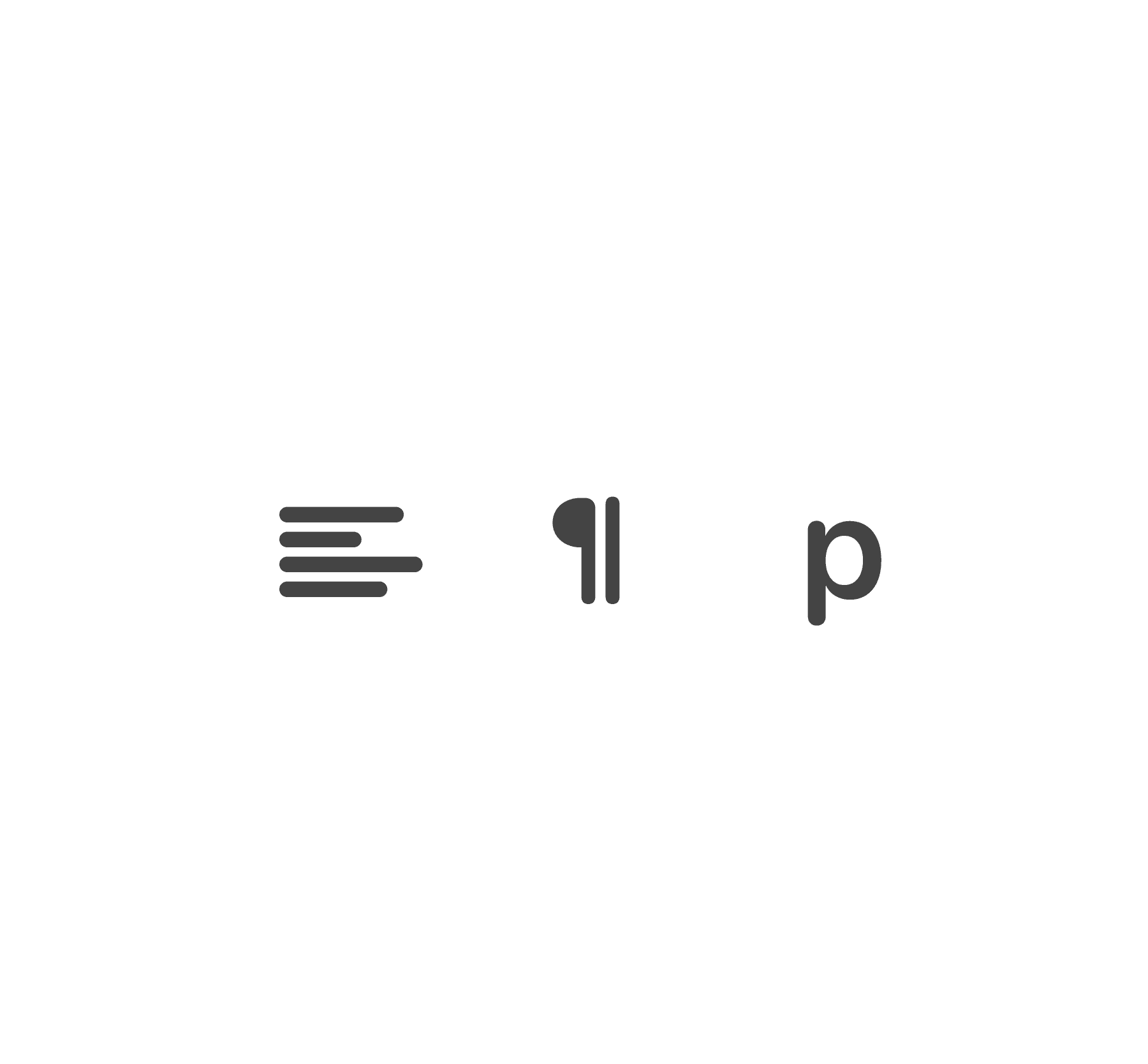
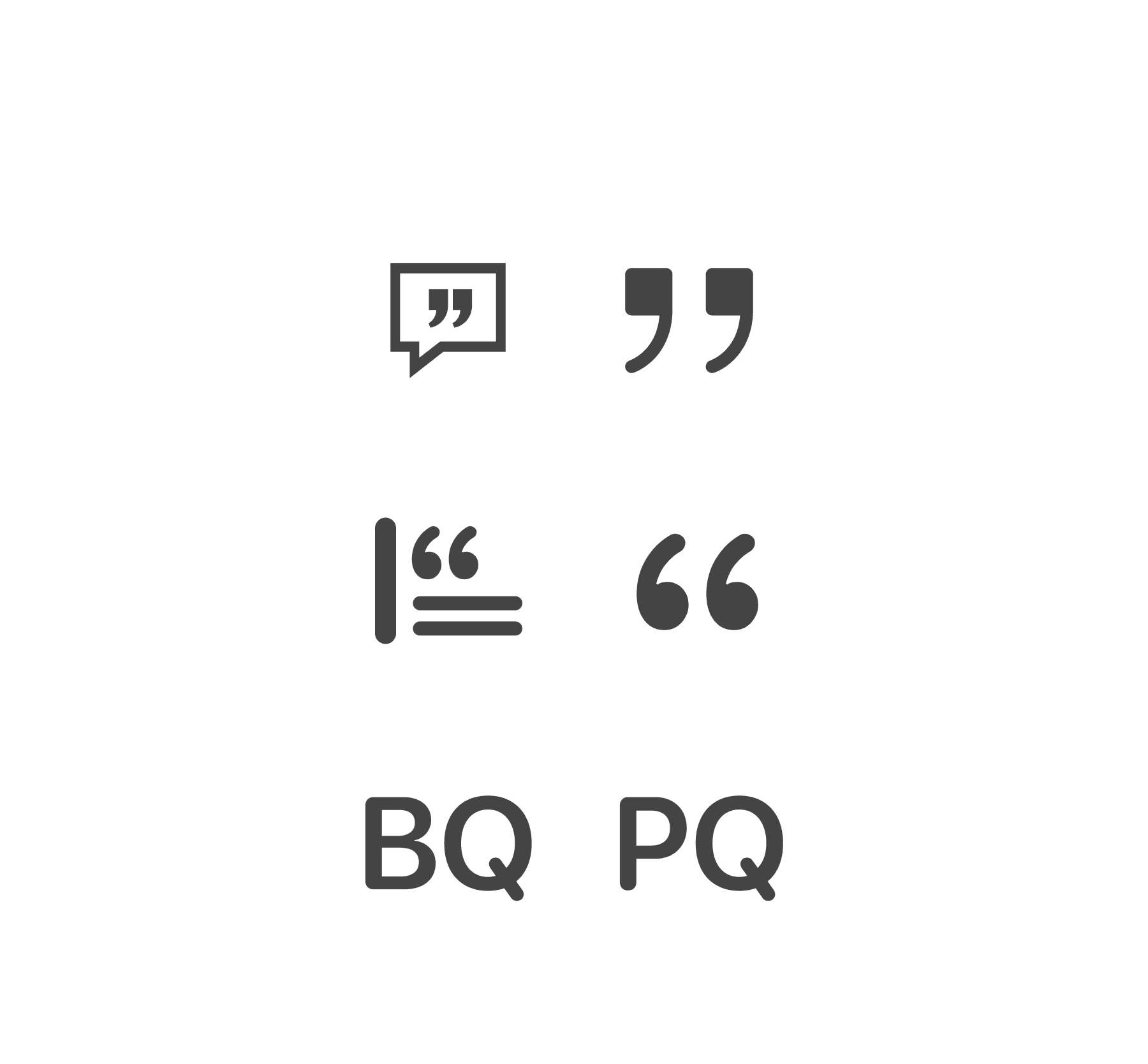
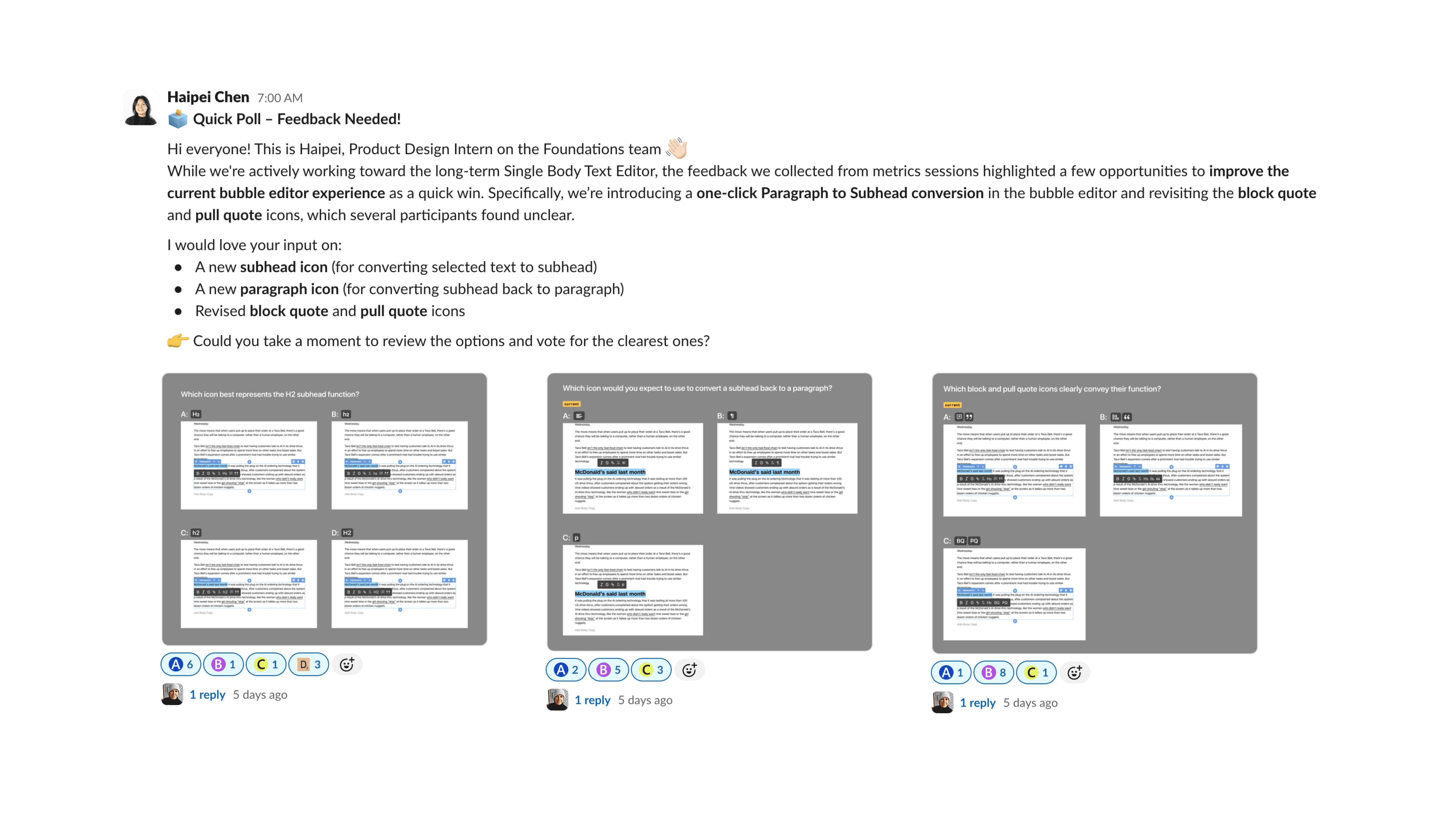
The goal of the icon design was to make the intended actions immediately understandable. I explored several icon designs for subhead, paragraph, block quote, and pull quote, and shared them with editorial stakeholders for a quick round of async feedback.
FINAL DESIGN
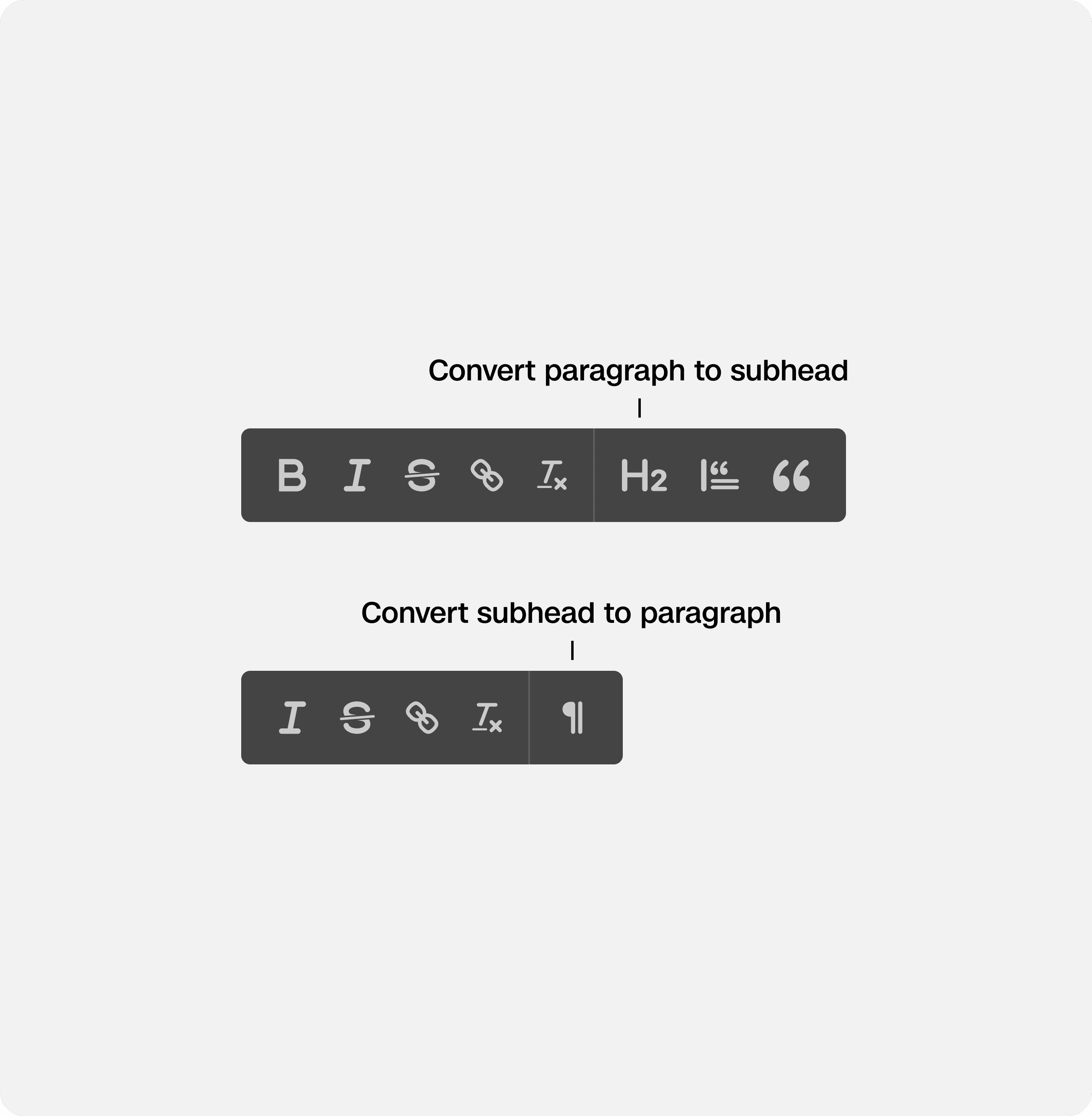
The final design allows editors to convert a paragraph into a subhead, and back, with a single click, directly in the editor. It is a faster, more predictable formatting experience that fits seamlessly into existing editorial habits.
01
Easy to discover and use without having to navigate menus
02
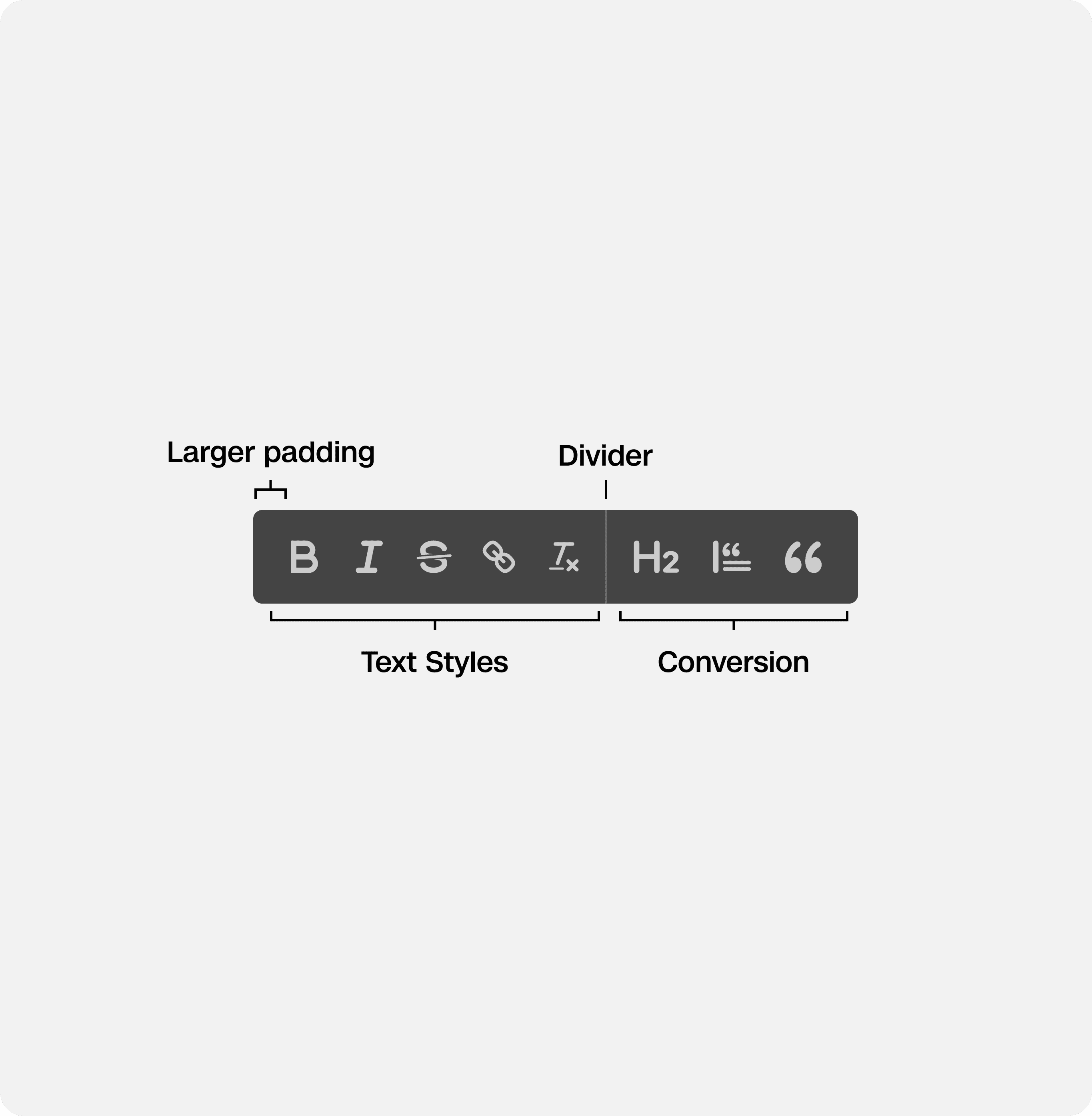
Divider + UI enhancements
Added visual separation to distinguish formatting styles from component transformations, helping editors understand each action at a glance
03
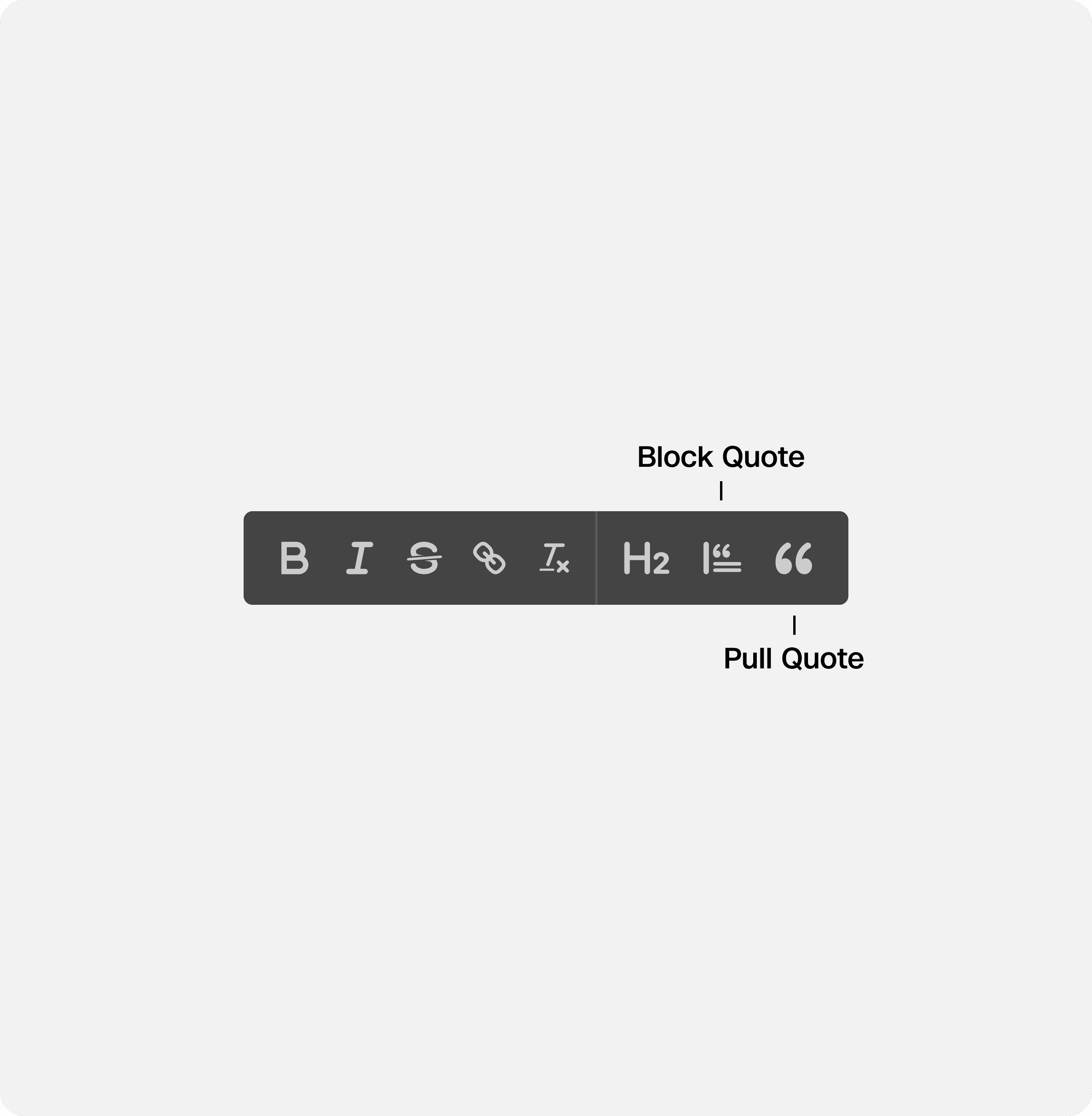
Updated quote icons to reduce confusion
Refined block and pull quote icons to better reflect what they look like, minimizing ambiguity and misclicks during fast-paced editing
IMPACT
After it was shipped, we hooked this button up with Datadog to measure the impact and engagement. From our metrics, this inline conversion reduced formatting time by 162%, and reduced the number of clicks by 75%.
This capability is saving us around 15 hours/year, equivalent to 2 work days.