BRIEF
I created a scalable placeholder system that standardized 70+ inconsistent components across CNN teams, increasing Figma library adoption by 8x and helping platform designers build pages with speed and clarity.
SCOPE
Design Systems
CMS Platforms
DURATION
3 months
TEAM
Spriggs (Design)
Laura Schoenheit (UX Writer)
IMPACT
8x increase in insertions;
7x decrease in detaches
Placeholder label
Placeholder label
Placeholder label
Placeholder label
Placeholder label
Placeholder label
Component
Component
AI Component
AI Component

OVERVIEW
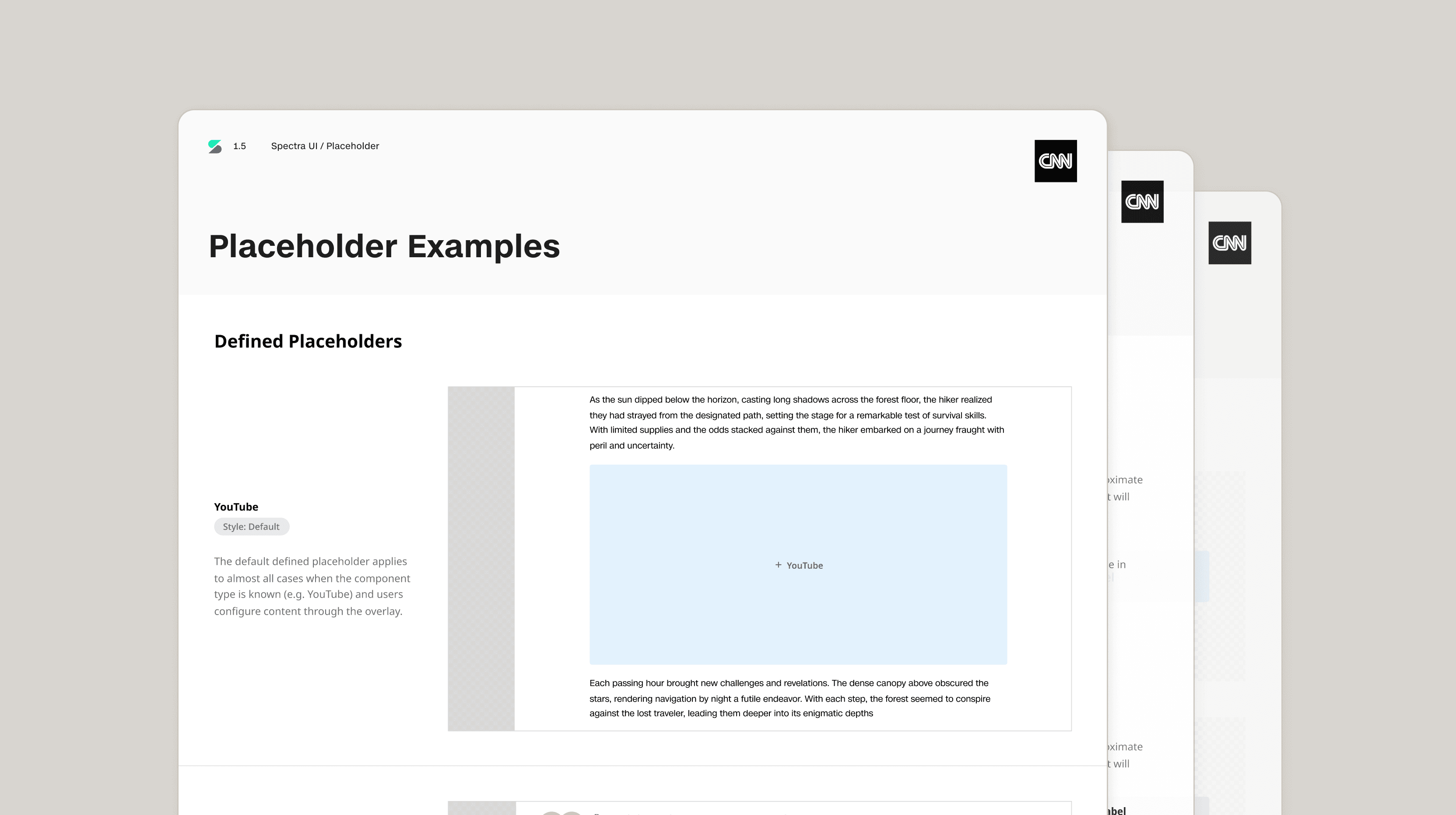
DISCOVERY
A placeholder is a temporary visual element used to indicate where content will eventually be placed within a layout, so users can plan the structure of a page without needing the final content.
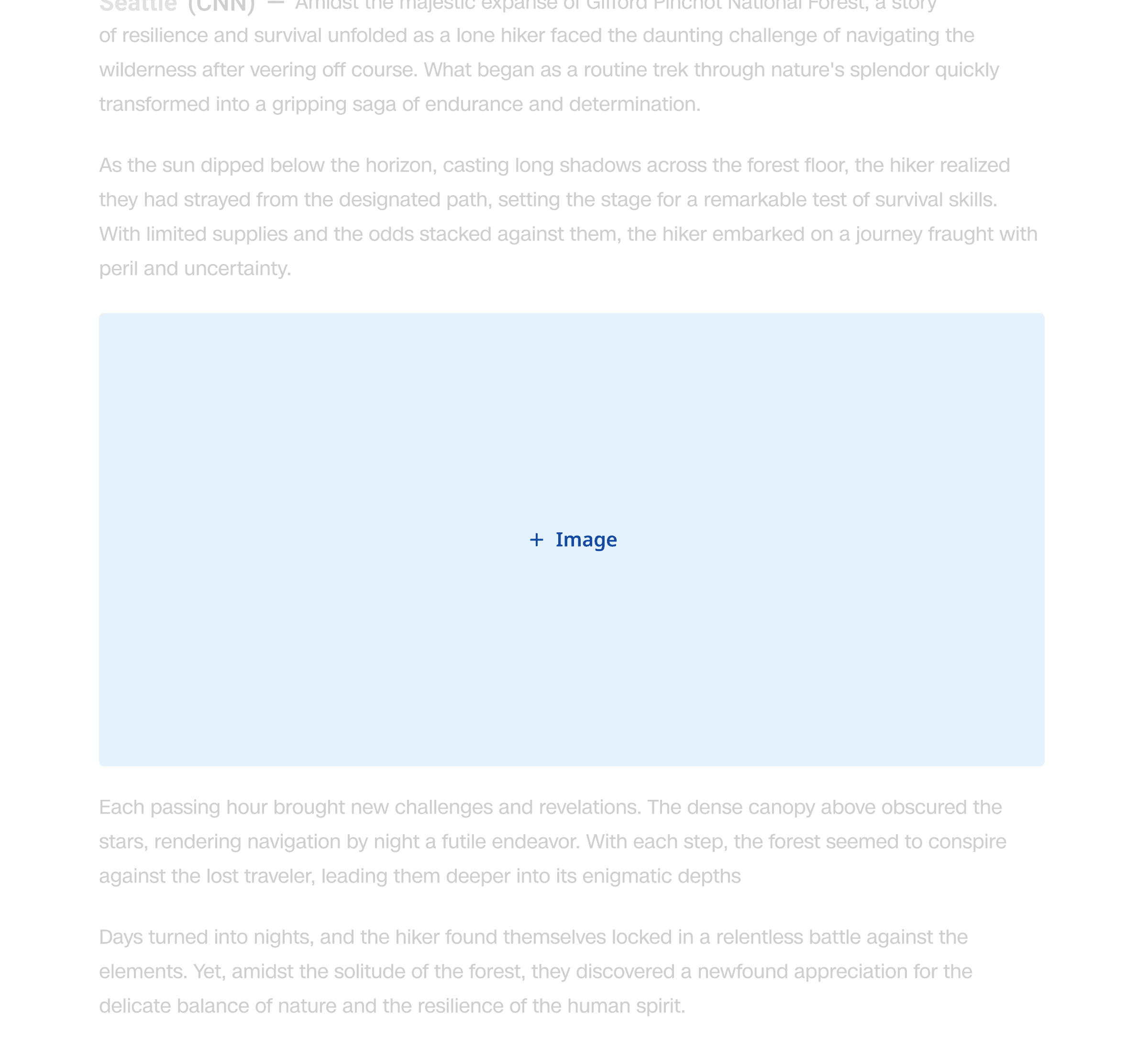
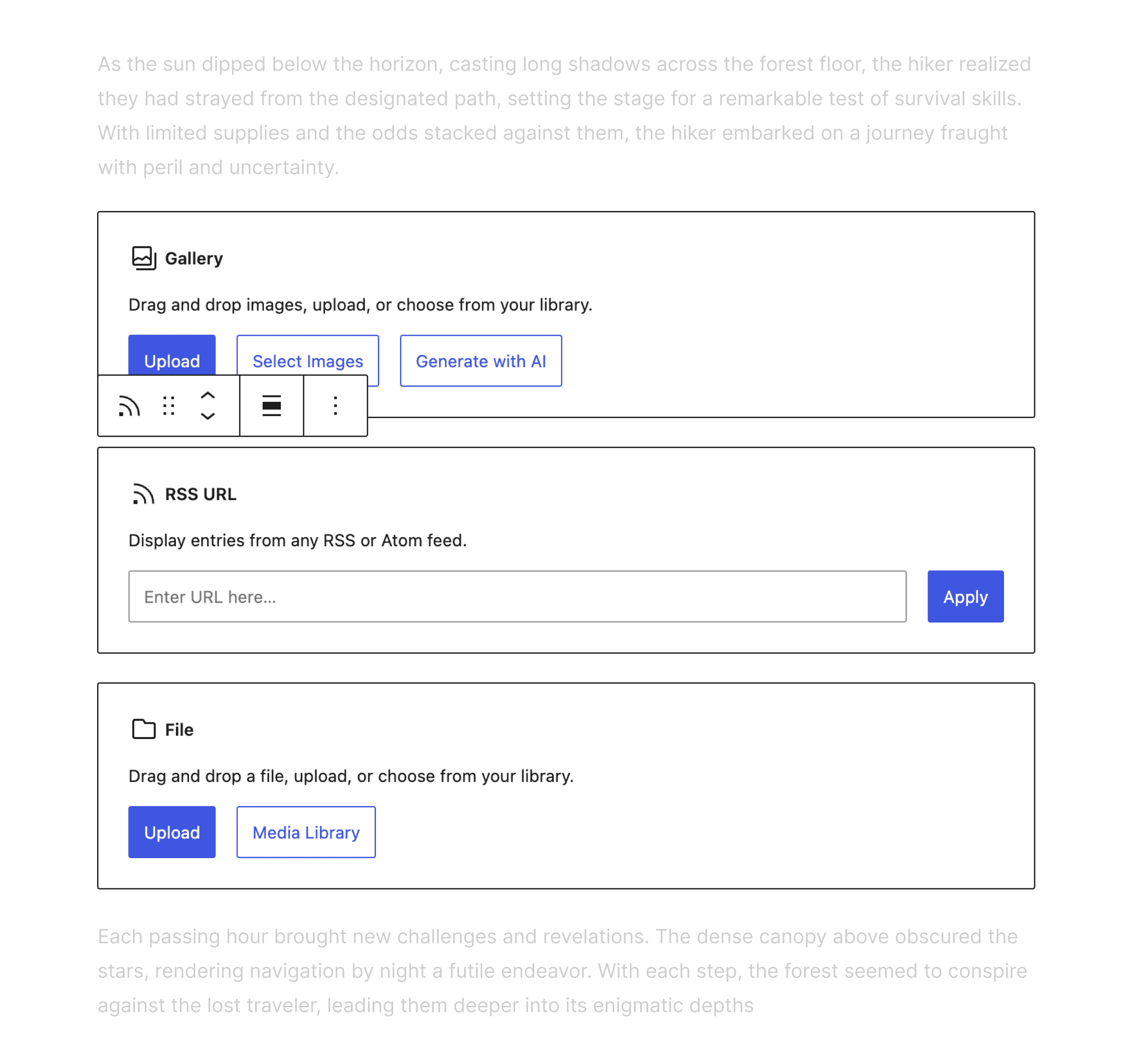
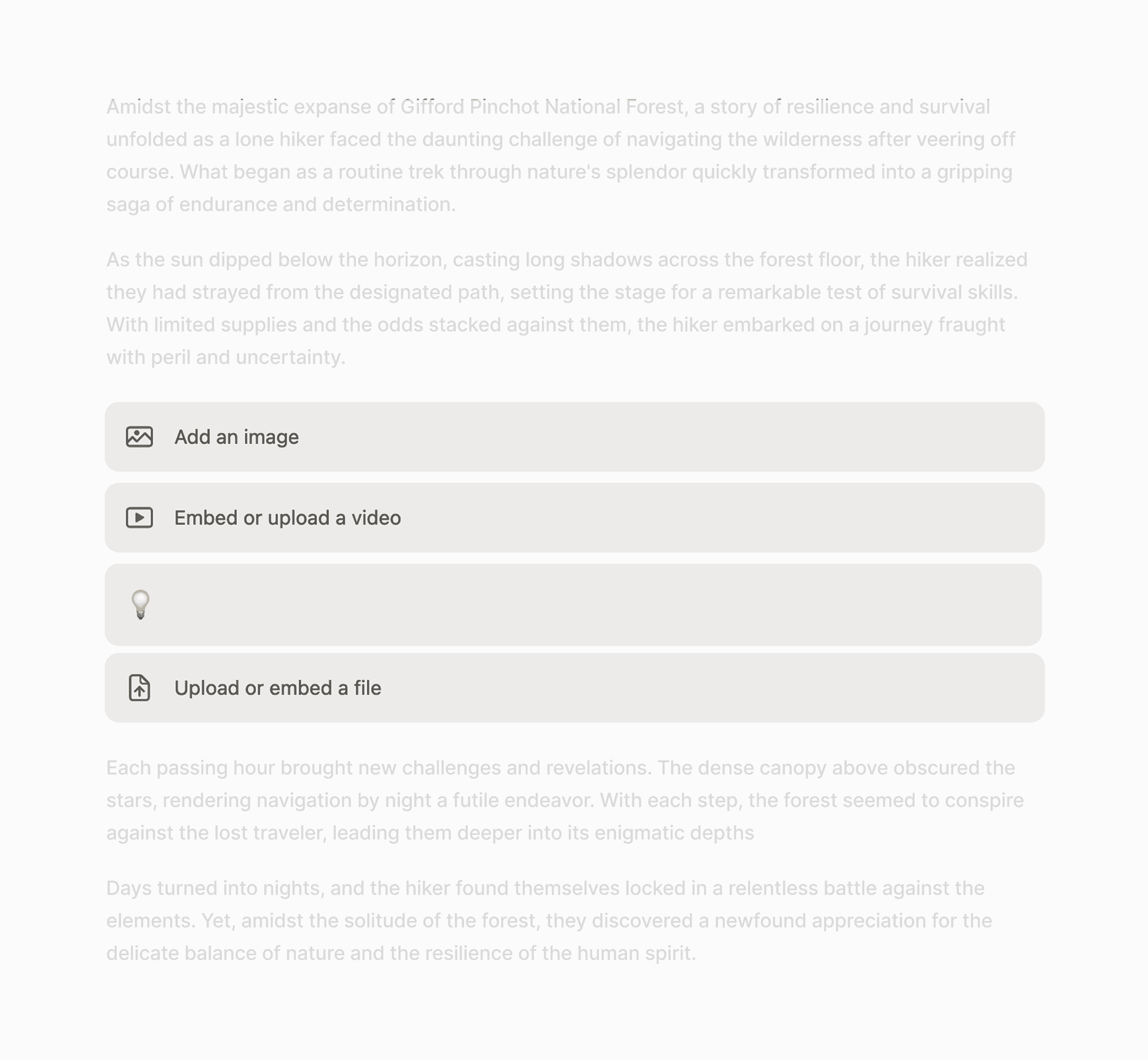
They all look different
I started by auditing all the placeholder components in Stellar, surfacing 72 different components across editorial, commerce, embeds, and politics teams. This revealed two major friction points:
01
Inconsistent styling
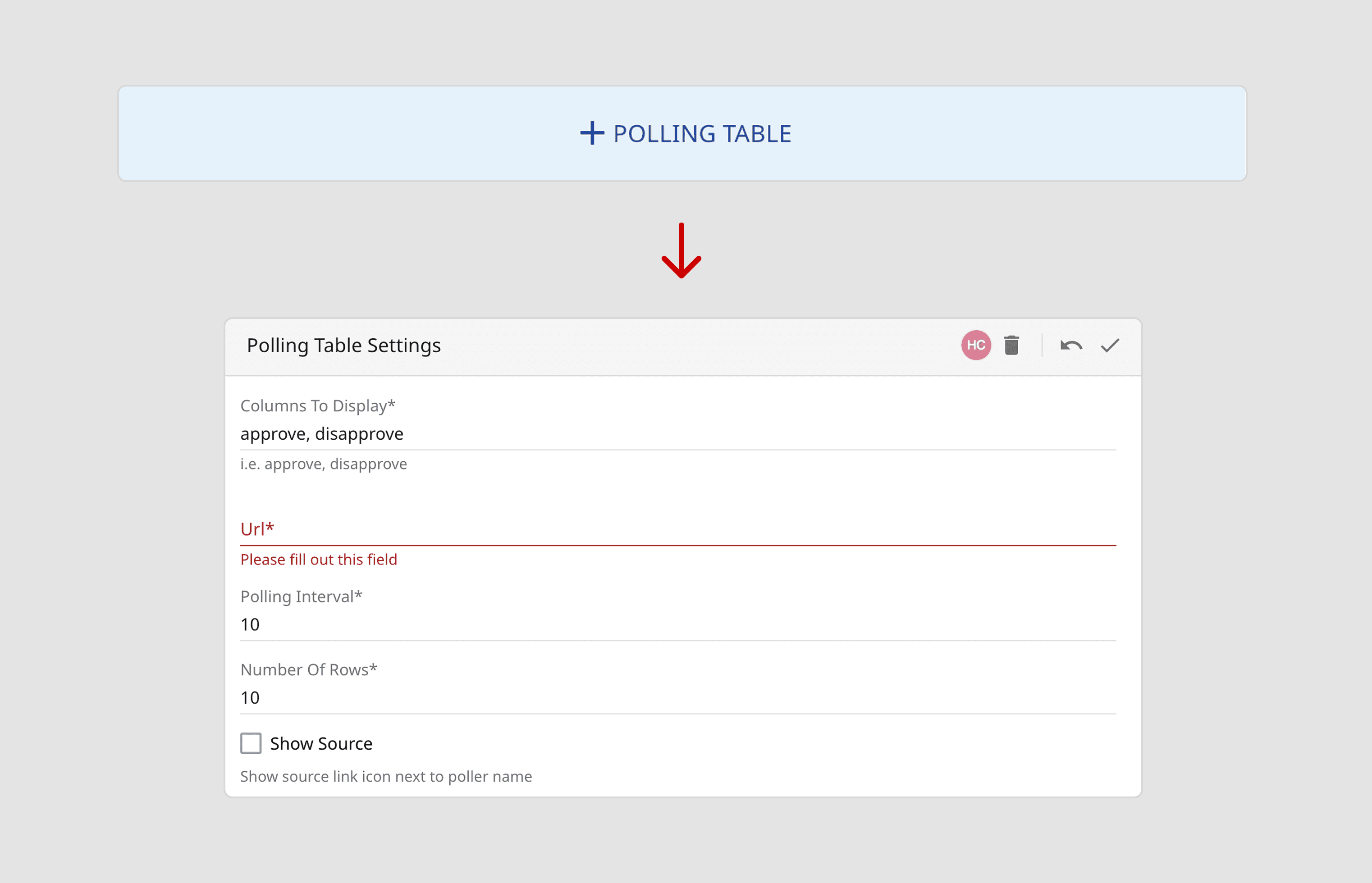
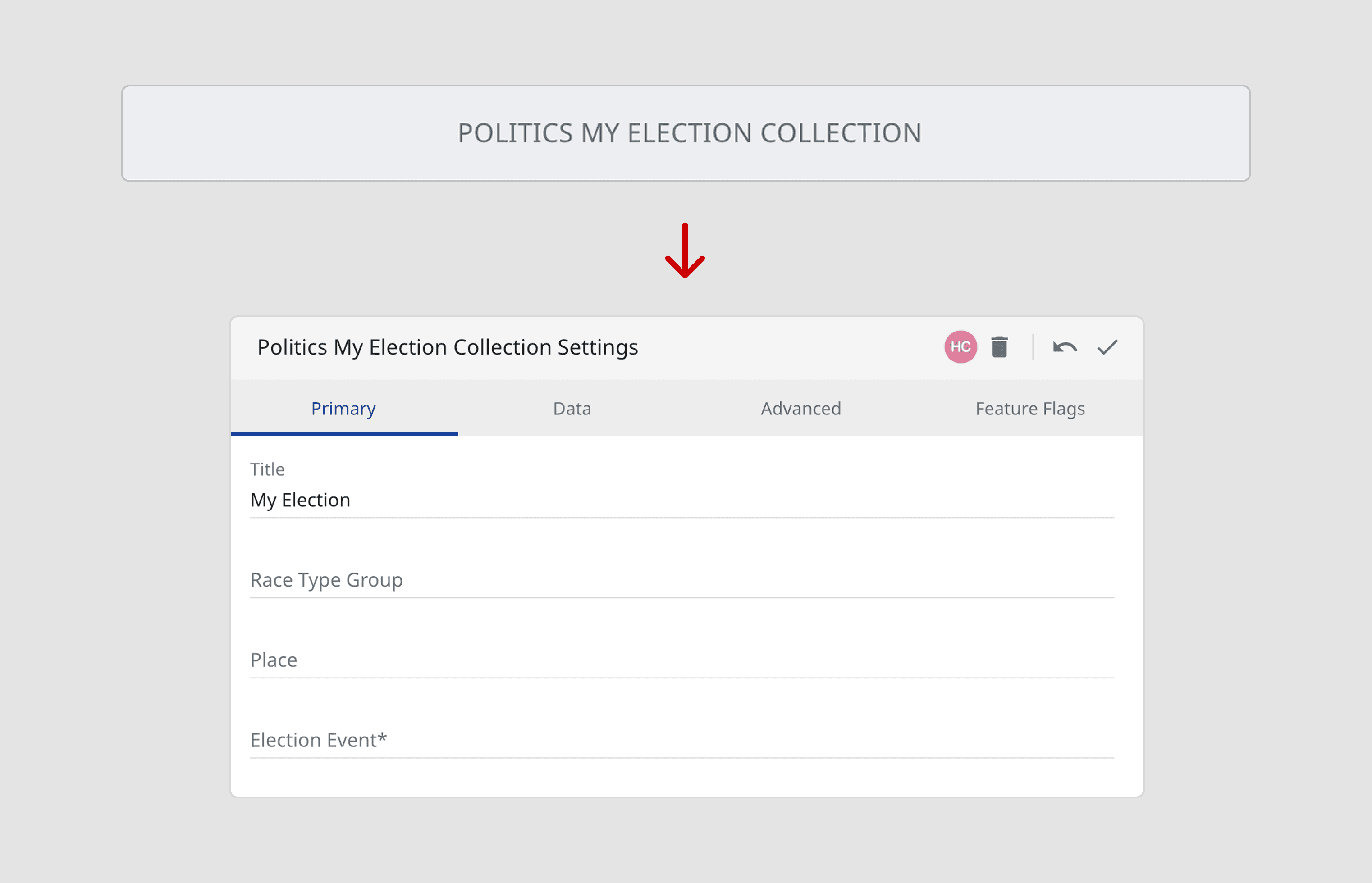
For example, these two politics components have the same UX pattern and functionality. Both can be configured using an overlay, but their visual styles are completely different.
02
Limited documentation and usage guidelines
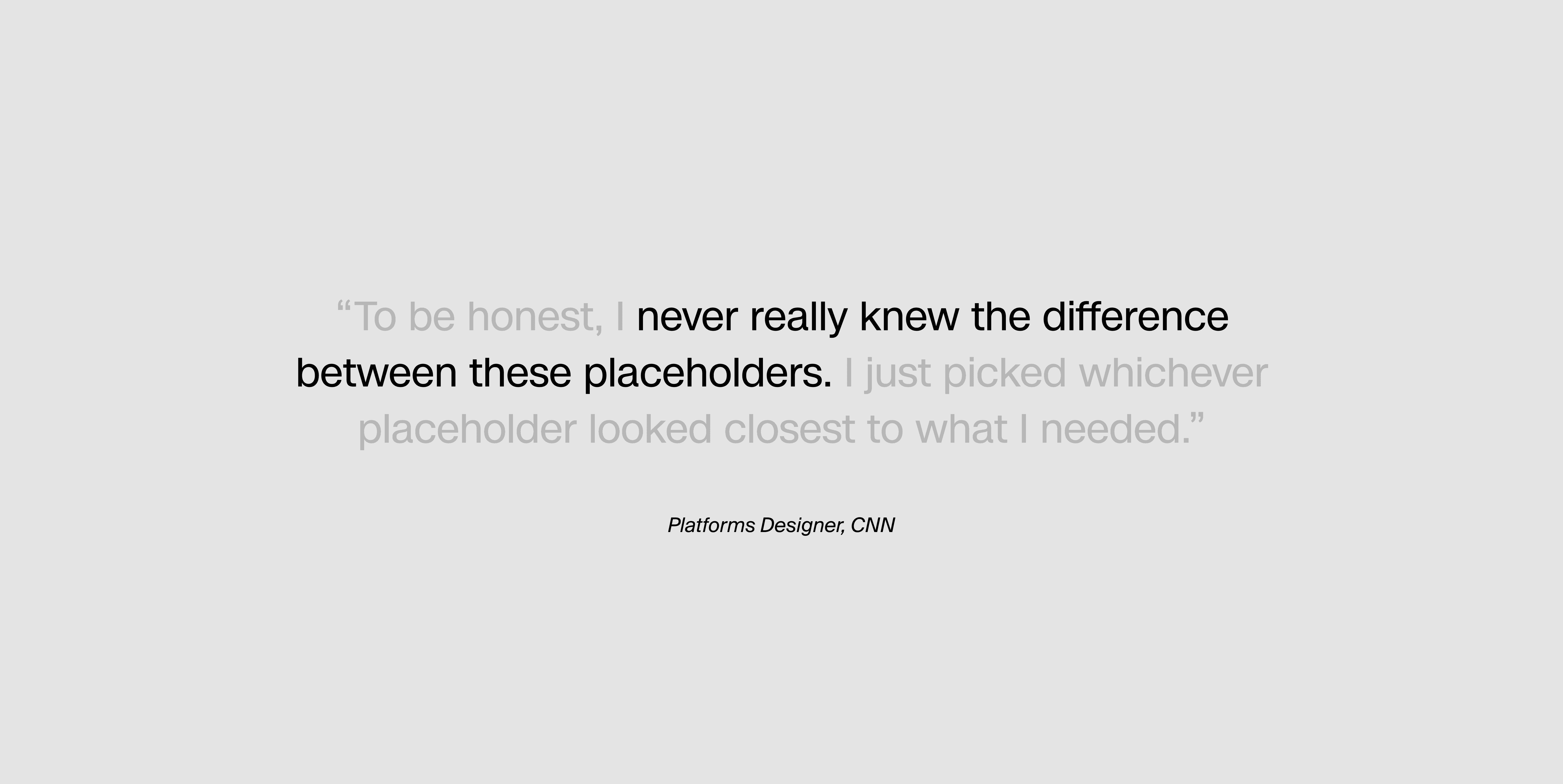
There has also been very limited resources on how to build and use placeholders, which caused a lot of confusion.
GOALS
01
Efficiency
Scalability
02
Consistency
PROCESS
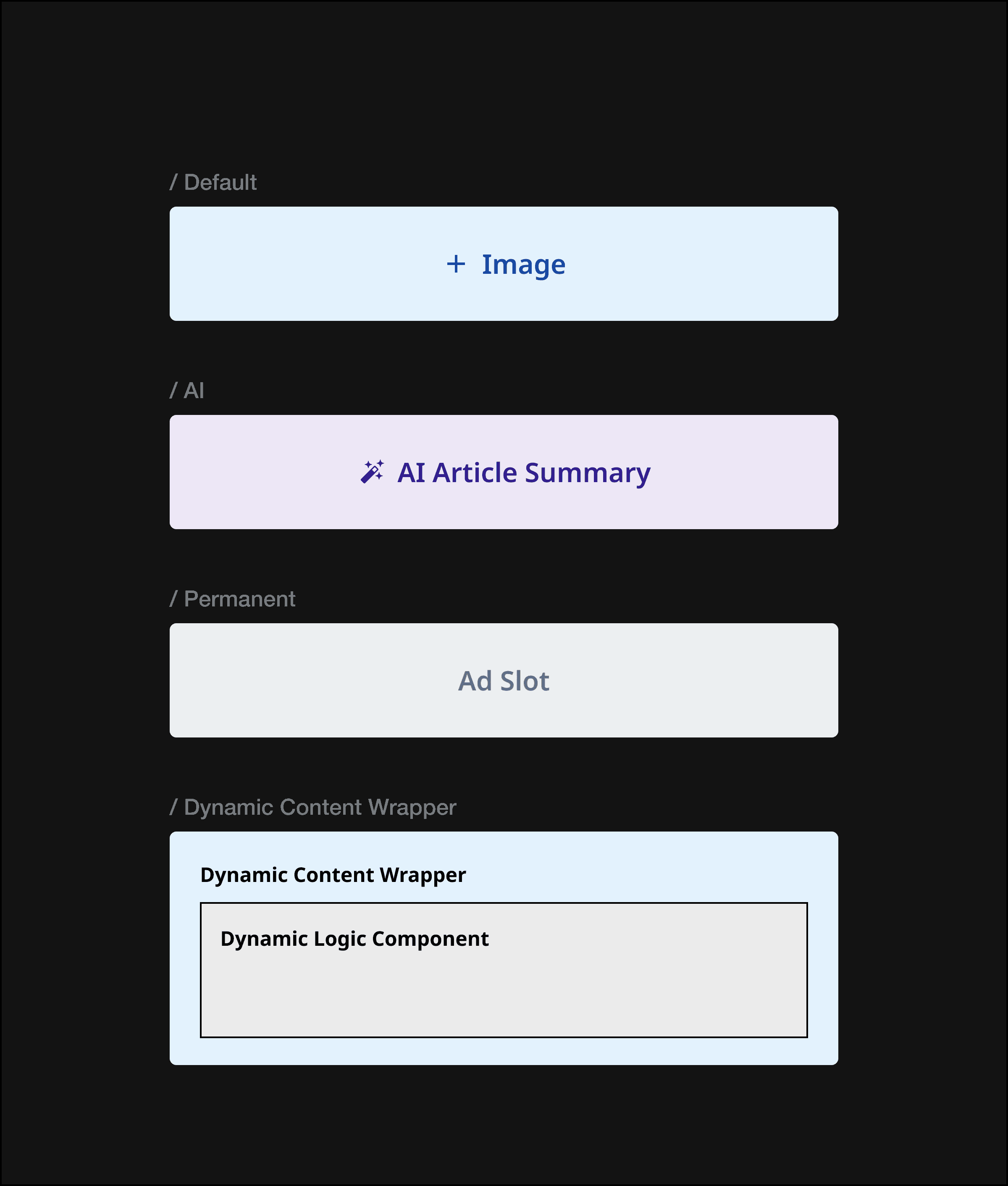
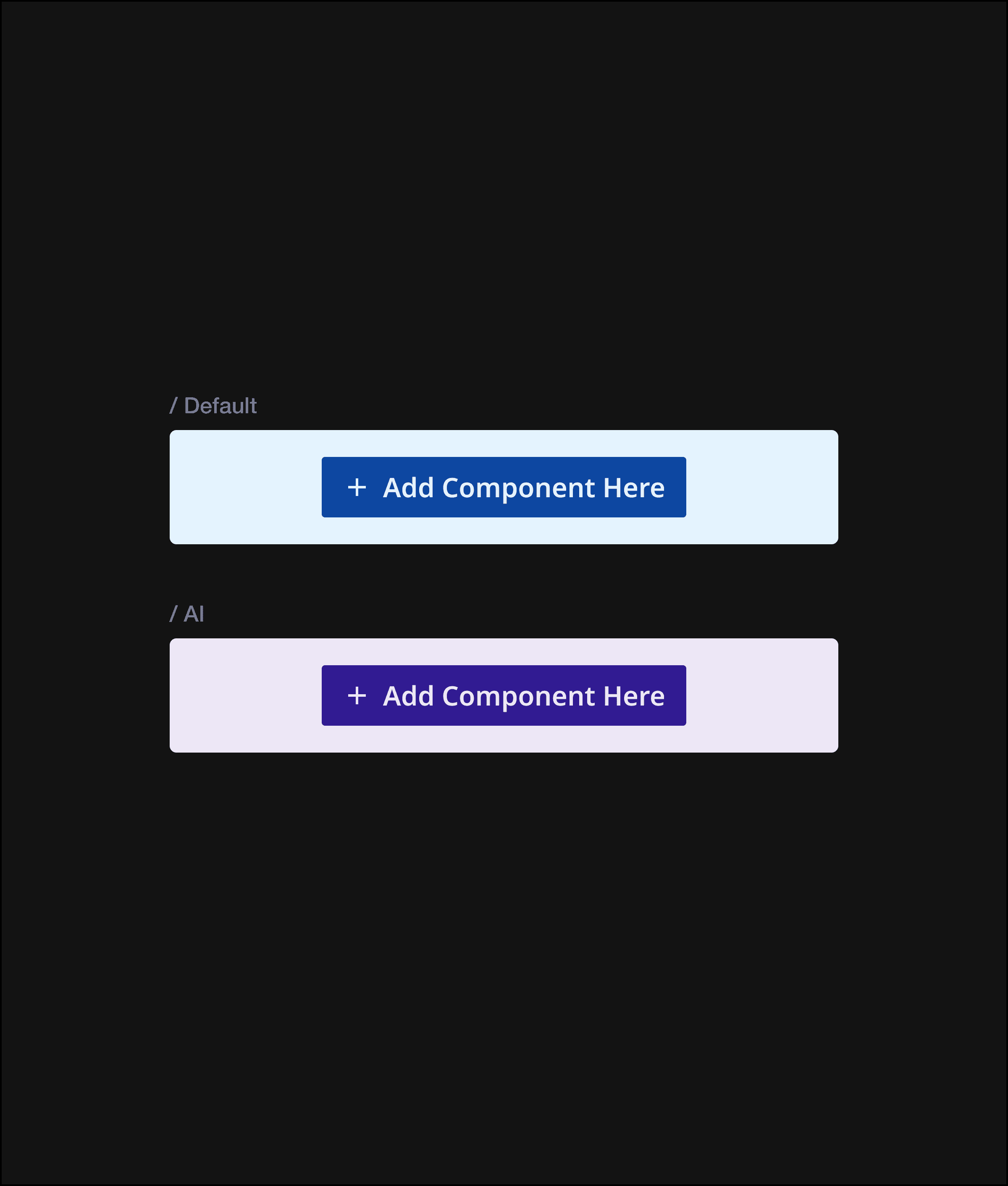
Following my audit, I organized all the placeholders into categories, first creating big groups by visual style, then smaller groups by functionality to clarify when to use each variation. This led me to three main categories:
DESIGN DECISIONS
Flexibility vs. Intention
01
Building flexible base components
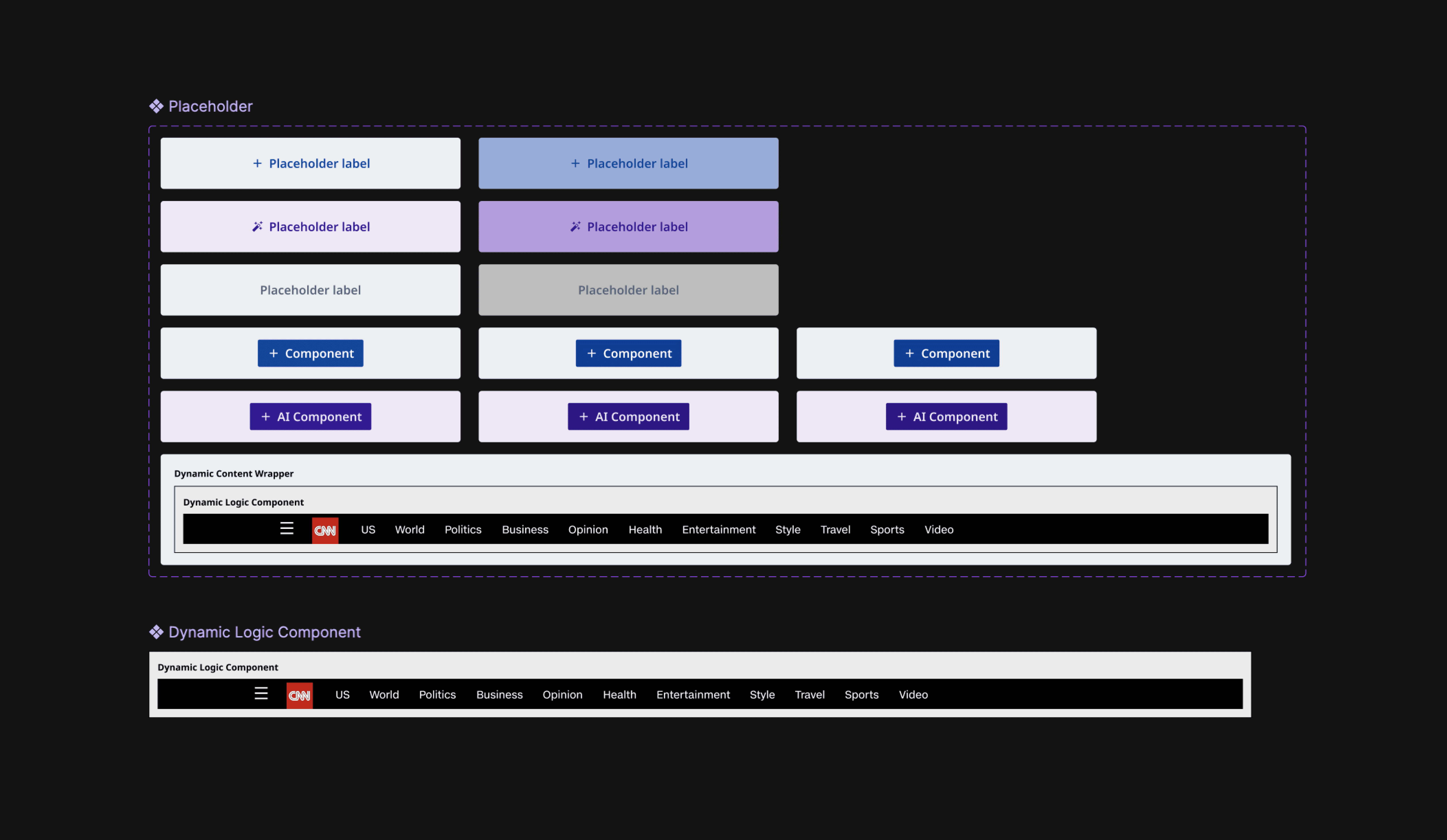
Instead of making every single placeholder into a unique component, I wanted to give designers flexible building blocks they could adapt, rather than locking them into one specific use case per component.
02
Prioritizing text placeholders
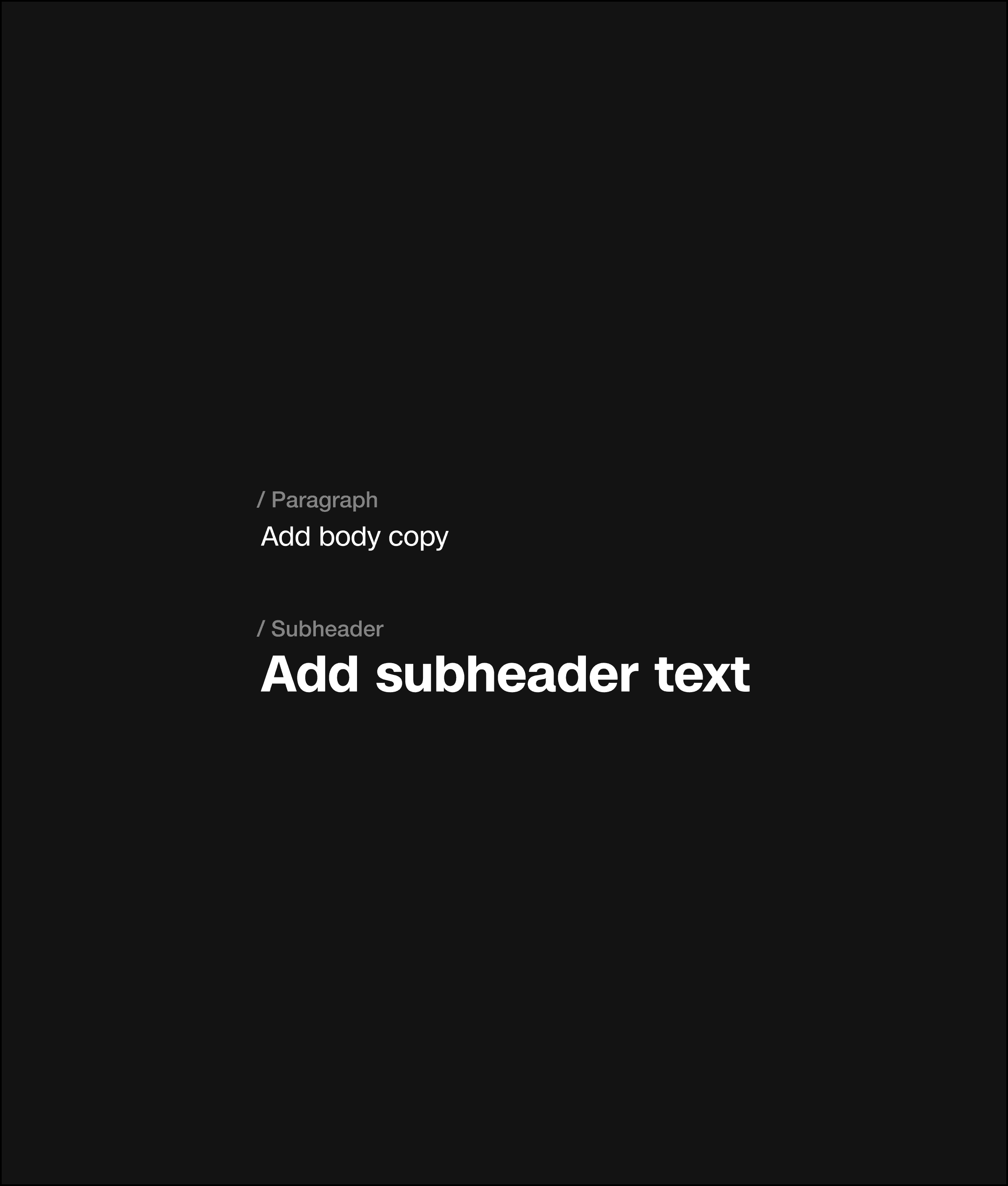
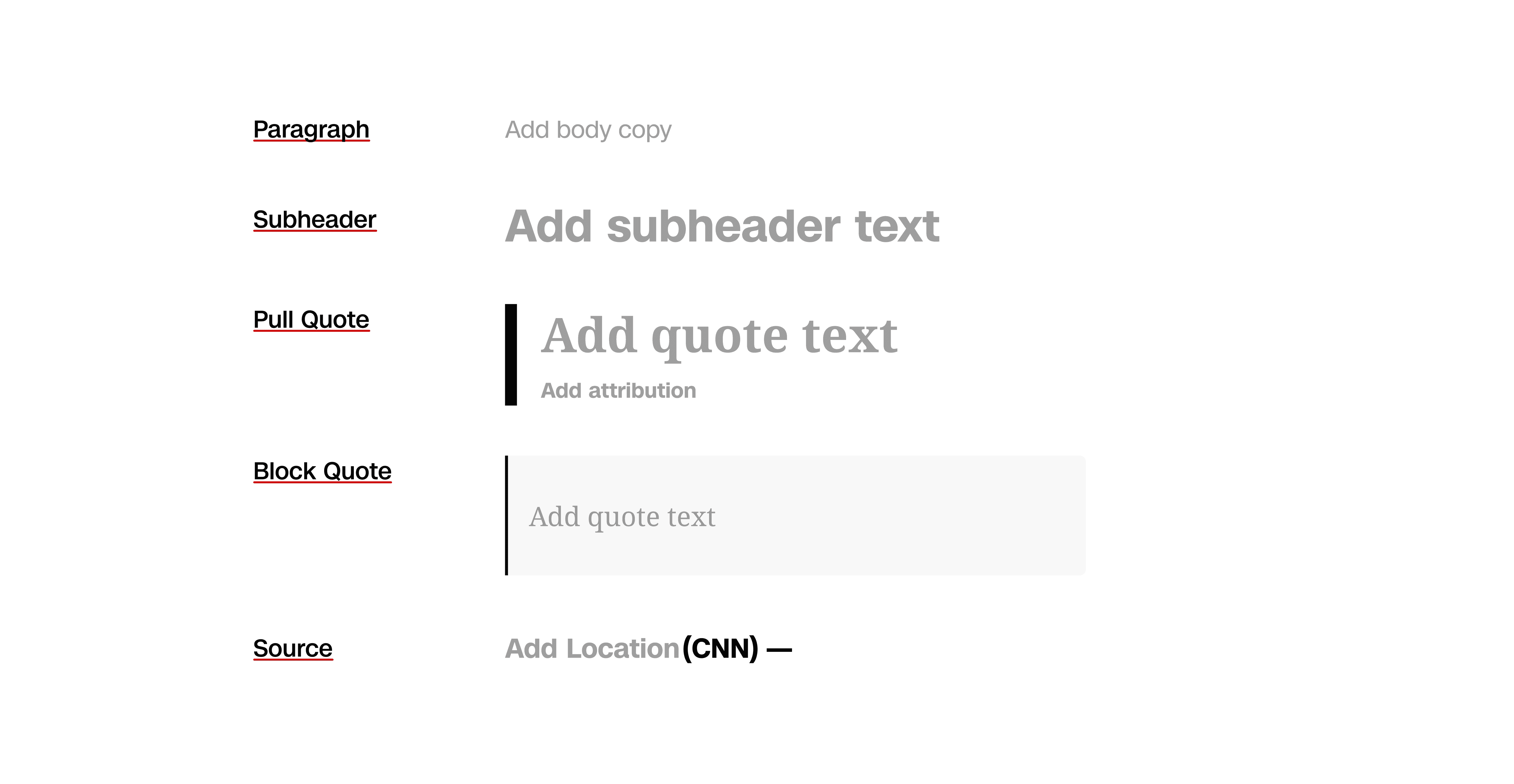
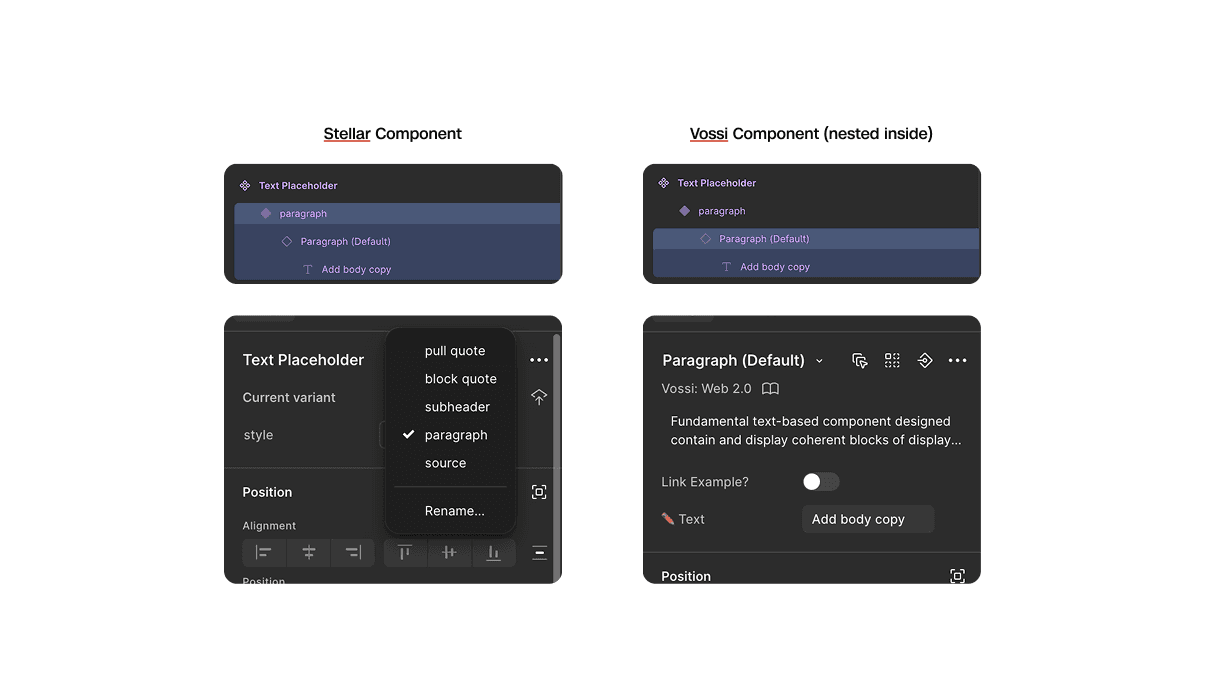
To increase efficiency, I prioritized the most-used text placeholder styles into dedicated components, allowing designers to drop them in instead of styling from scratch.
Since these components use Vossi styles (CNN's consumer-facing design system), I wrapped Vossi components directly into my build. This ensures any style updates in Vossi automatically flow through to Spectra, creating a scalable and synchronized system.
03
Content design feedback session
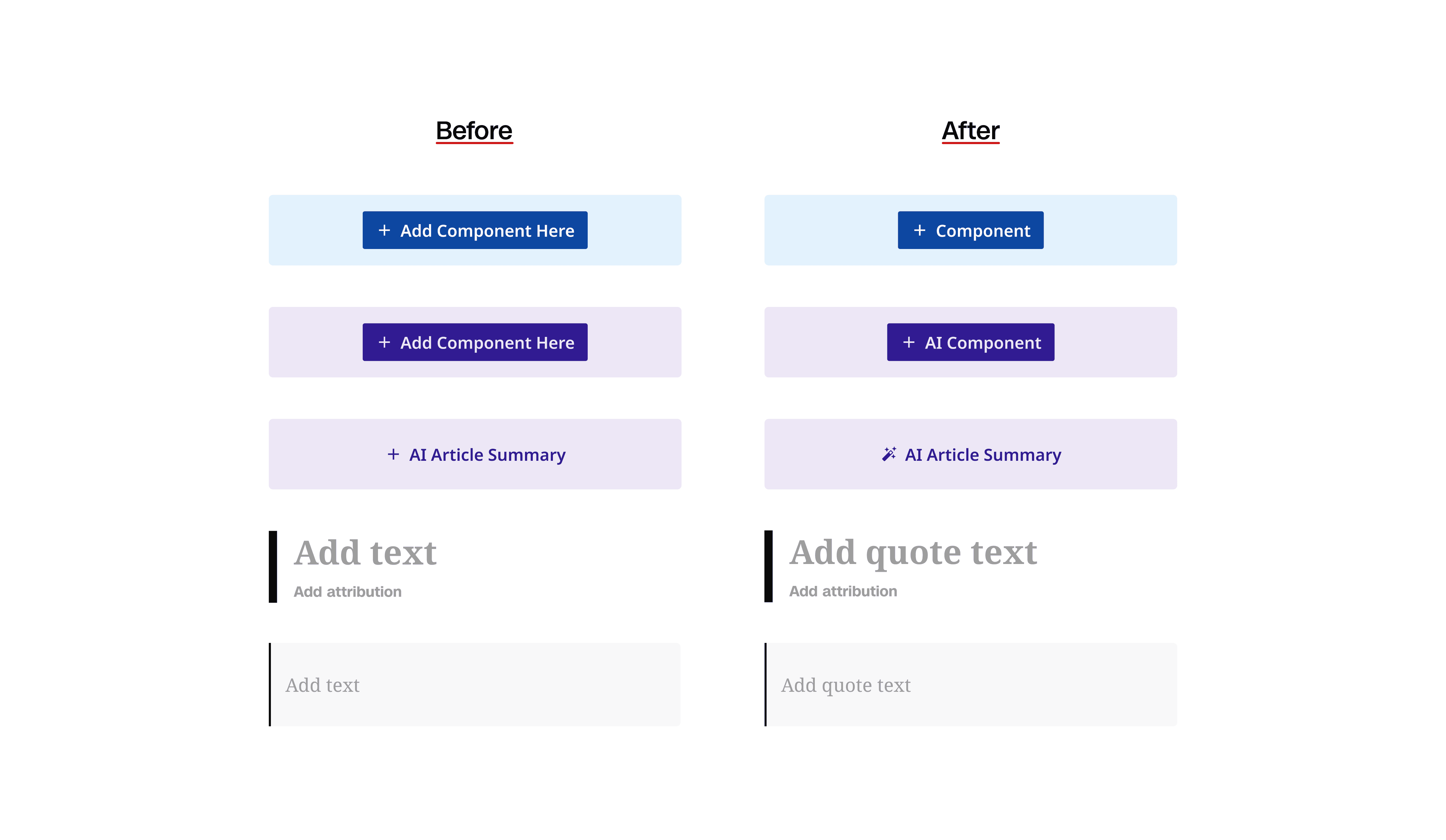
I brought in Laura from content design to help refine the labeling and naming system. Together we cut unnecessary words, changed icons match functionality, and clarified language for better accessibility.
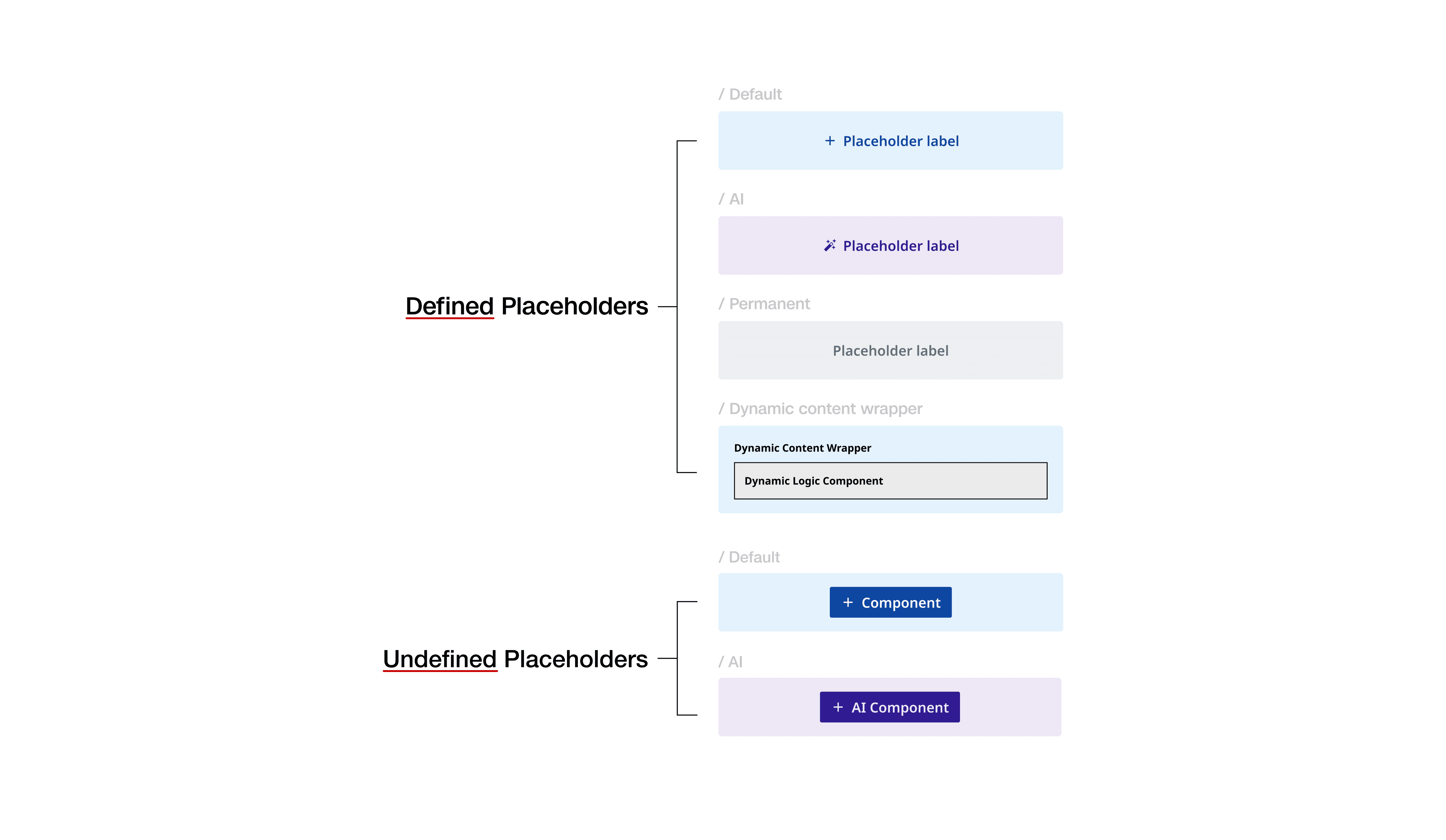
We also landed on 'defined placeholders' and 'undefined placeholders' for the two main variants to align with the existing framework and code terminology.
FINAL DESIGN
01
Used when the component type is known.
Apply to almost all cases when the component type is known.
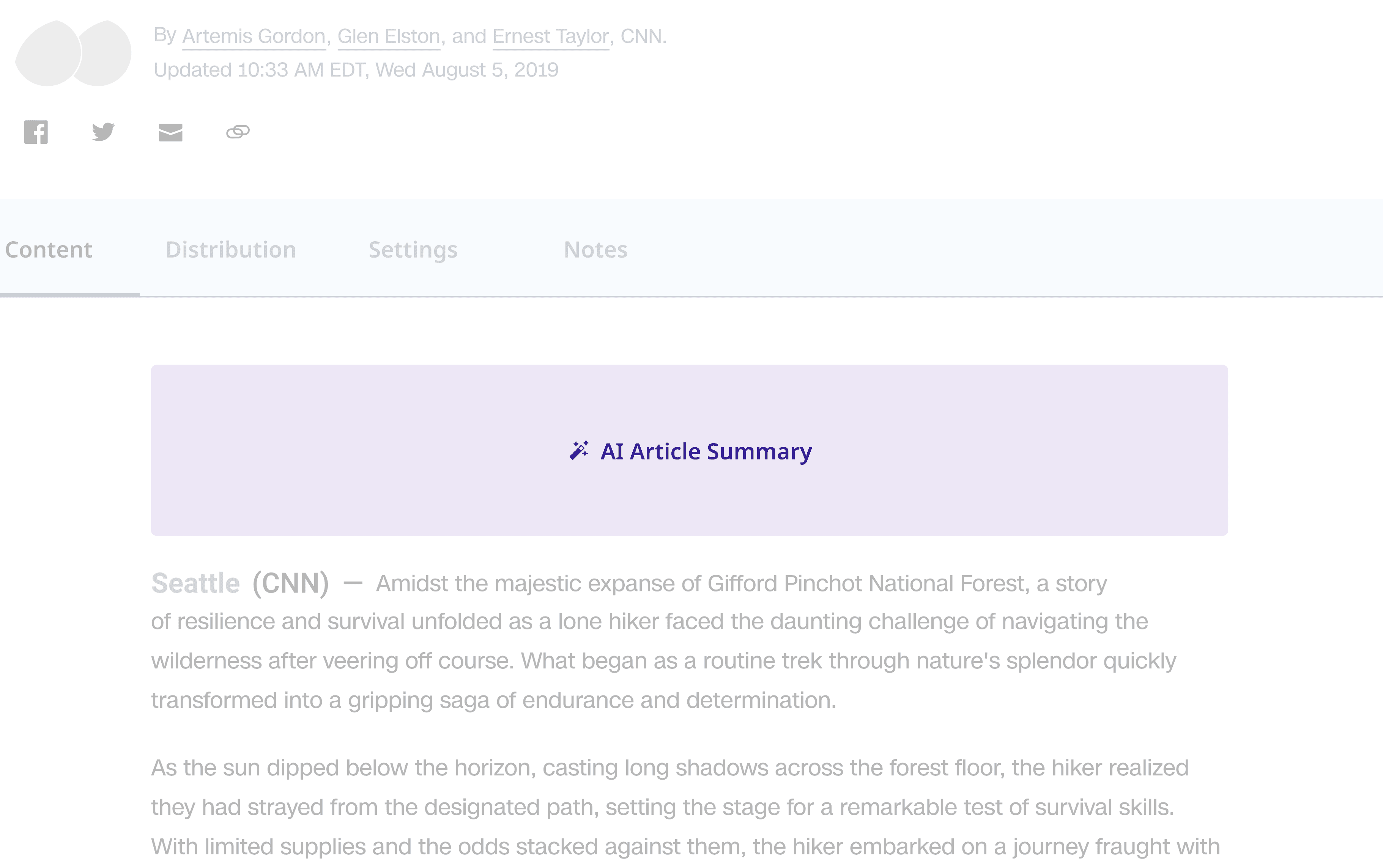
Apply to known AI component types.
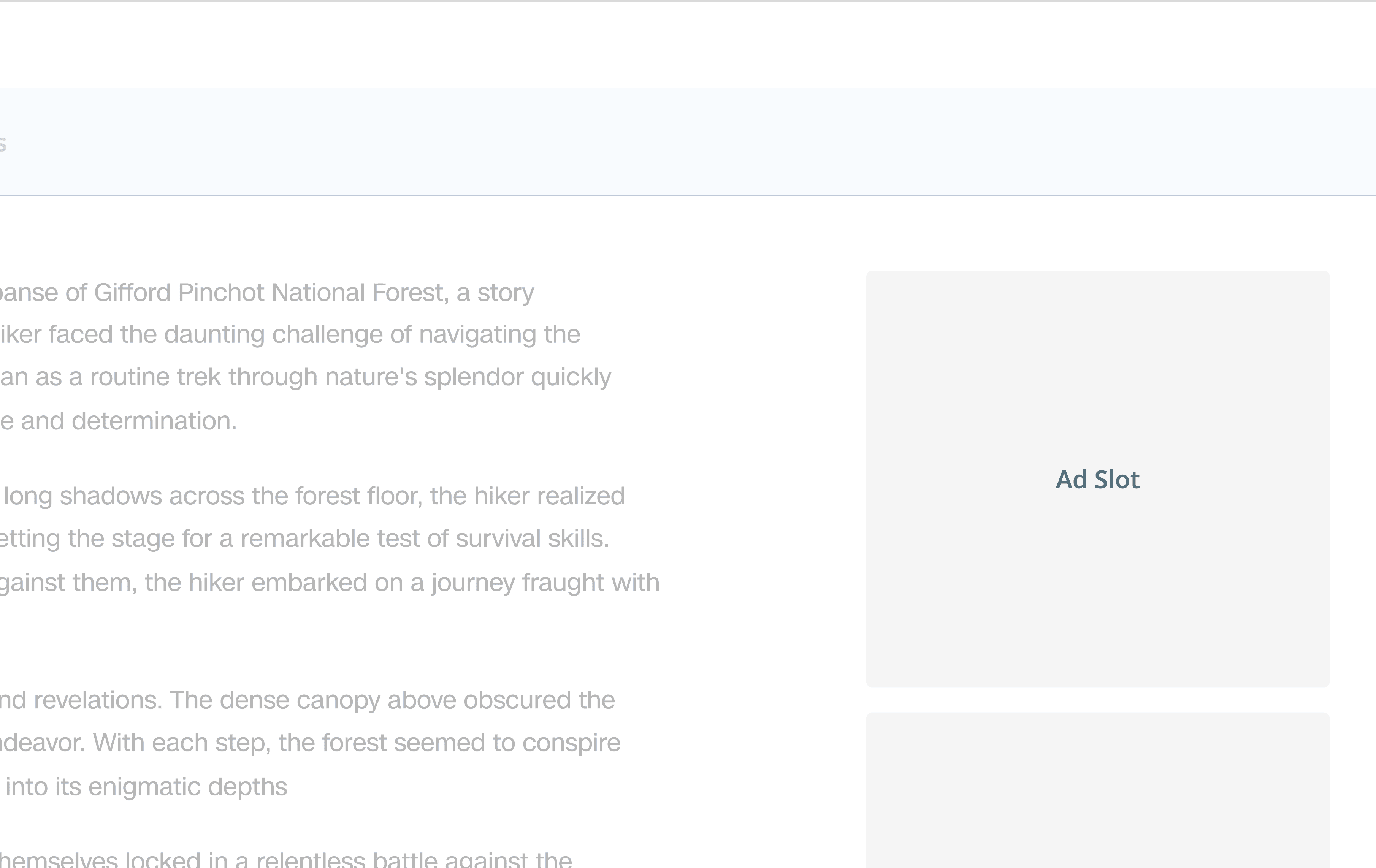
Locked placeholders that cannot be moved or removed without layout permissions, maintaining consistency per business requirements.
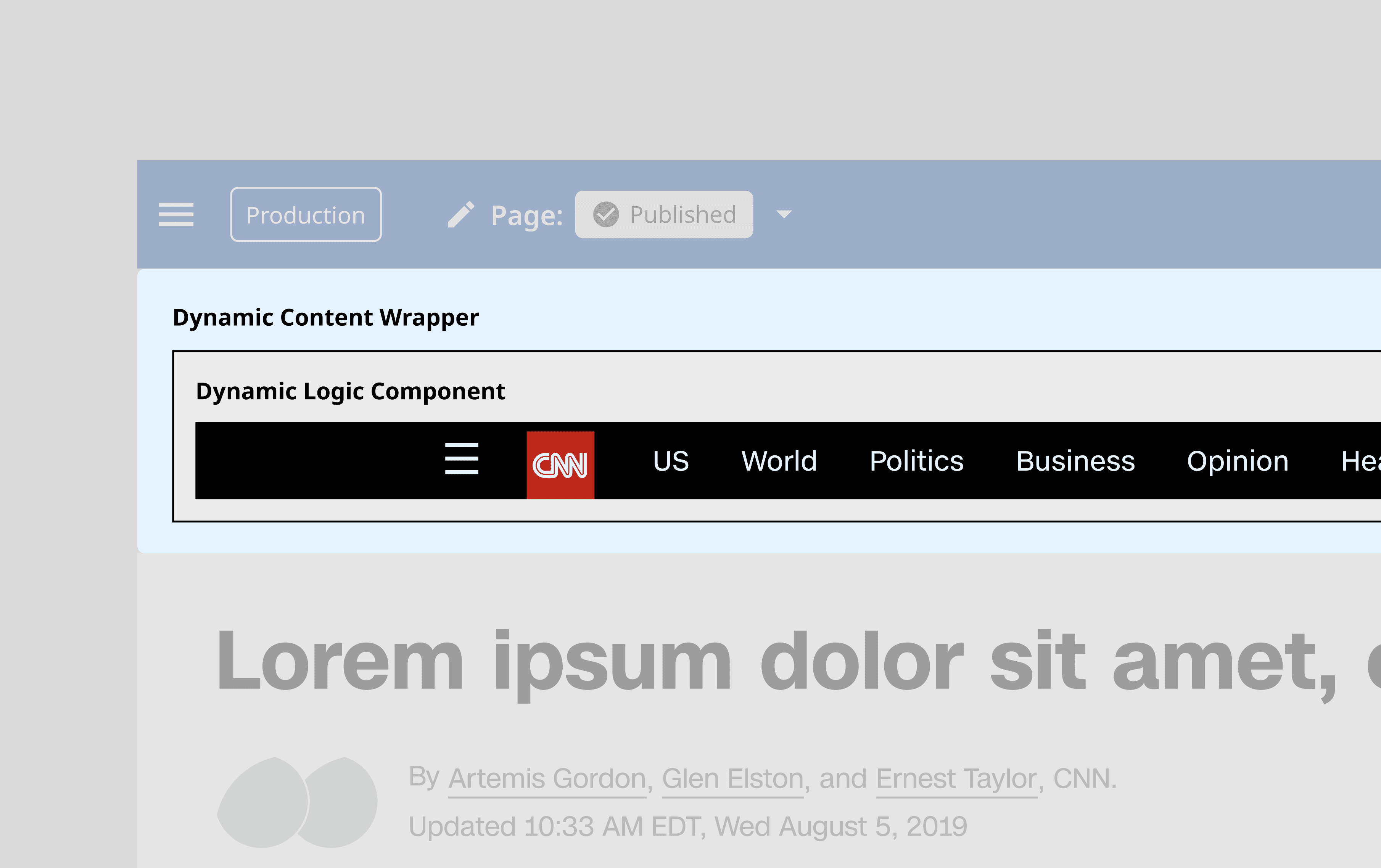
Components that adapts its content based on page context (e.g. CNN World vs. CNN Style).
02
Flexible zones where users select which components to add from available options, then manually configure them.
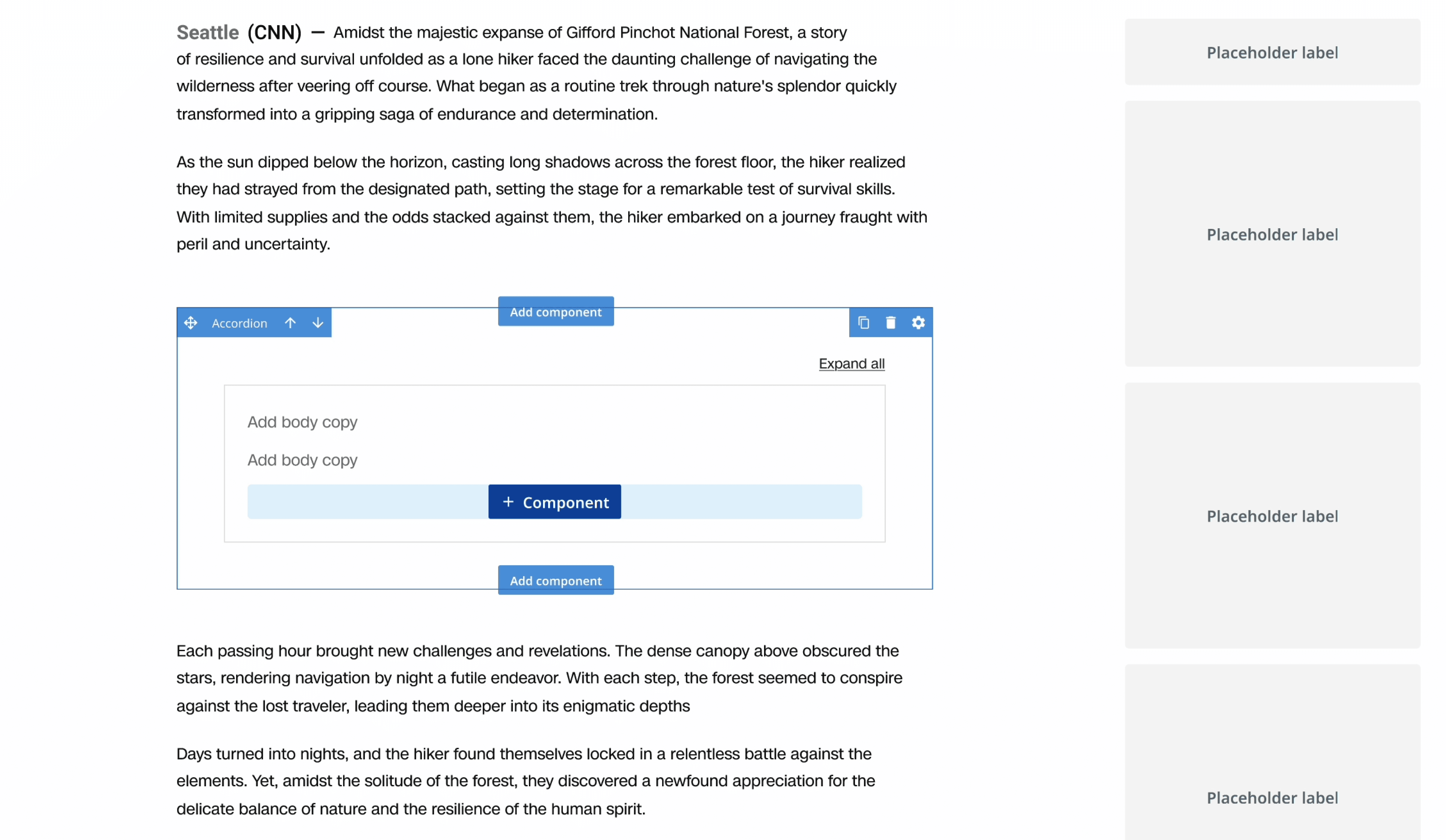
03
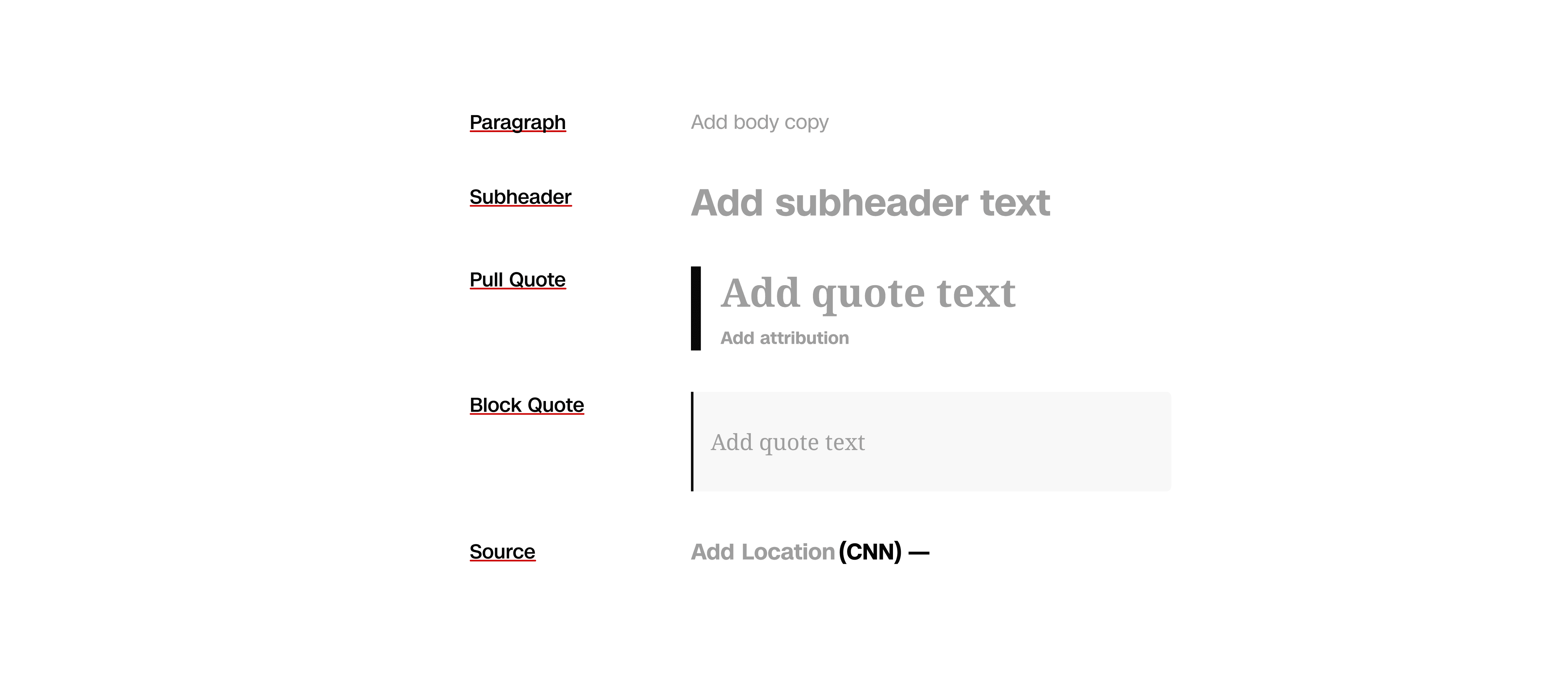
I created components for paragraph, subheader, pull quote, block quote, and source, refined and documented with clear usage guidance.
IMPACT
This was my first time doing design systems work for a large corporation. Beyond being amazed by how vast yet granular the component libraries were, this project really pushed my systems thinking. I realized that even a small component has so many dependencies across the organization, and that unblocking it could eliminate significant confusion across workflows and create substantial impact.
Comparing before and after the refactor, the number of insertions increased by 8x and the number of detaches decreased by 7x.
Behind the scenes, Spectra now tracks placeholder usage more cleanly across teams, from CNN Stellar and CNN Underscored to Newsgathering & Planning. This visibility is driving better conversations about what to optimize next. I'm so grateful to have contributed to this larger design systems initiative during my three months at CNN. In the spirit of all those year-end recaps we've been seeing everywhere, I created a little Spectra recap for myself.
NEXT STEPS
The short-term and
the long-term
Based on engineering and team capacity, this phase of the refactor ended with alignment to Stellar production. The current Figma component libraries' metrics feature also falls short in providing real-time data. Moving forward, I'd love to:
01
Qualitative feedback
Talk to designers to understand how the new components are landing in real workflows and where friction still exists
02
Simplify visual styles
Combine defined and undefined states to reduce visual complexity while maintaining functional clarity
03
Adopt new Figma features
Implement slots and extended collections to enhance the design system and make components even more flexible
